Memos
Memos is a lightweight notebook for Markdown notes, task lists, tags and attachments. Use it for an engineering journal, a reading log or a small team knowledge stream. It is not a document approval or project-management system.
Creating notes, authenticated API reads, token revocation and orderly restart readback have been tested. The embedded database's concurrent-write durability on shared storage and complete backup restoration have not been certified. Keep an independent copy of important notes, not just this installation.
Before You Start
- Select a workspace and environment where you can create Moltern services.
- Have a password manager ready for the separate Memos owner account.
- Review CPU, memory and workspace storage before deploying.
- Practice with disposable notes before importing important content.
The tested template uses Memos 0.23.0 and an embedded database, with no external database dependency. It does not create PostgreSQL or expose a new/reused database selector. Upstream database options do not imply a populated notebook can safely switch engines through an environment variable.
Deploy In Moltern
- Open Services, choose Memos, and enter a recognizable name.
- Select the environment group and environment.
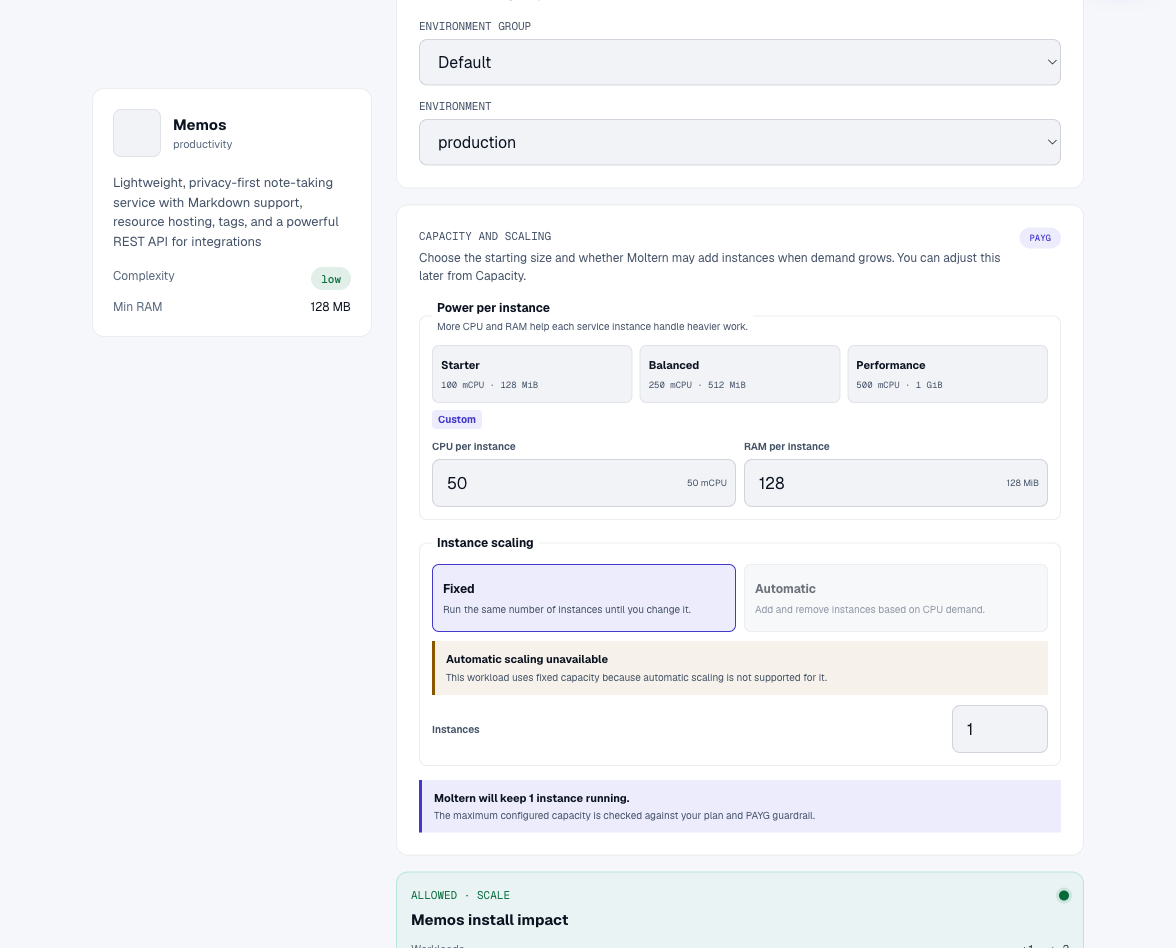
- Review Capacity and scaling. Keep one fixed instance; automatic instance scaling is not supported for this template.
- Select Preview deploy and review workload, CPU, memory and storage impact.
- Select Confirm deploy, wait for startup, and open the service URL.
Zero Dedicated storage does not mean notes consume no storage. This template uses the workspace filespace within its own service allocation.
Create The Owner Account
A fresh installation shows Create your account and identifies the first registration as the Site Host. Choose a username and strong password, then select Sign up. Complete this promptly before sharing the URL.
This account is created inside Memos, not in Moltern's deployment form. Do not assume Moltern's connection-details view can recover a password created or changed inside Memos. Keep it in your password manager. A tested self-service password-reset workflow is not included in this guide.
Write And Find A Private Note
- On Home, enter text in Any thoughts....
- Add Markdown headings, tasks and a tag such as
#engineering. - Check the visibility selector. Use Private for personal notes.
- Select Save. The editor should clear and the saved note appear below it.
- Reload and read the existing note, rather than recreating it.
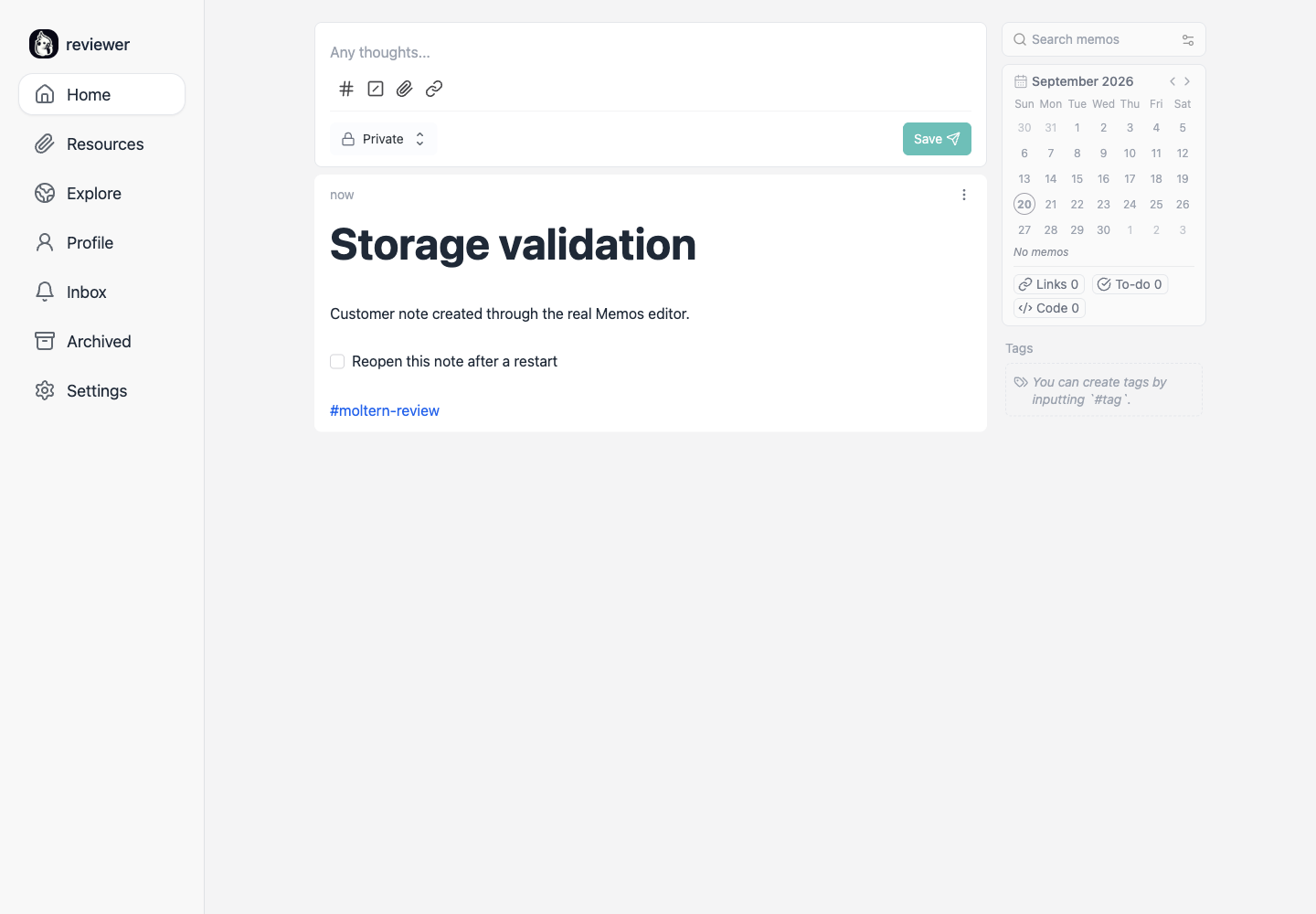
Use search and tags to find notes again. A Moltern URL does not establish application-level team permissions; visibility and user access remain Memos settings.
Upload Resources
Use the paperclip in the note editor to choose a local file. Wait for upload completion and verify its attachment before saving. Resources lists uploaded files. An entry under Unused resources is not attached to a note merely because uploading succeeded.
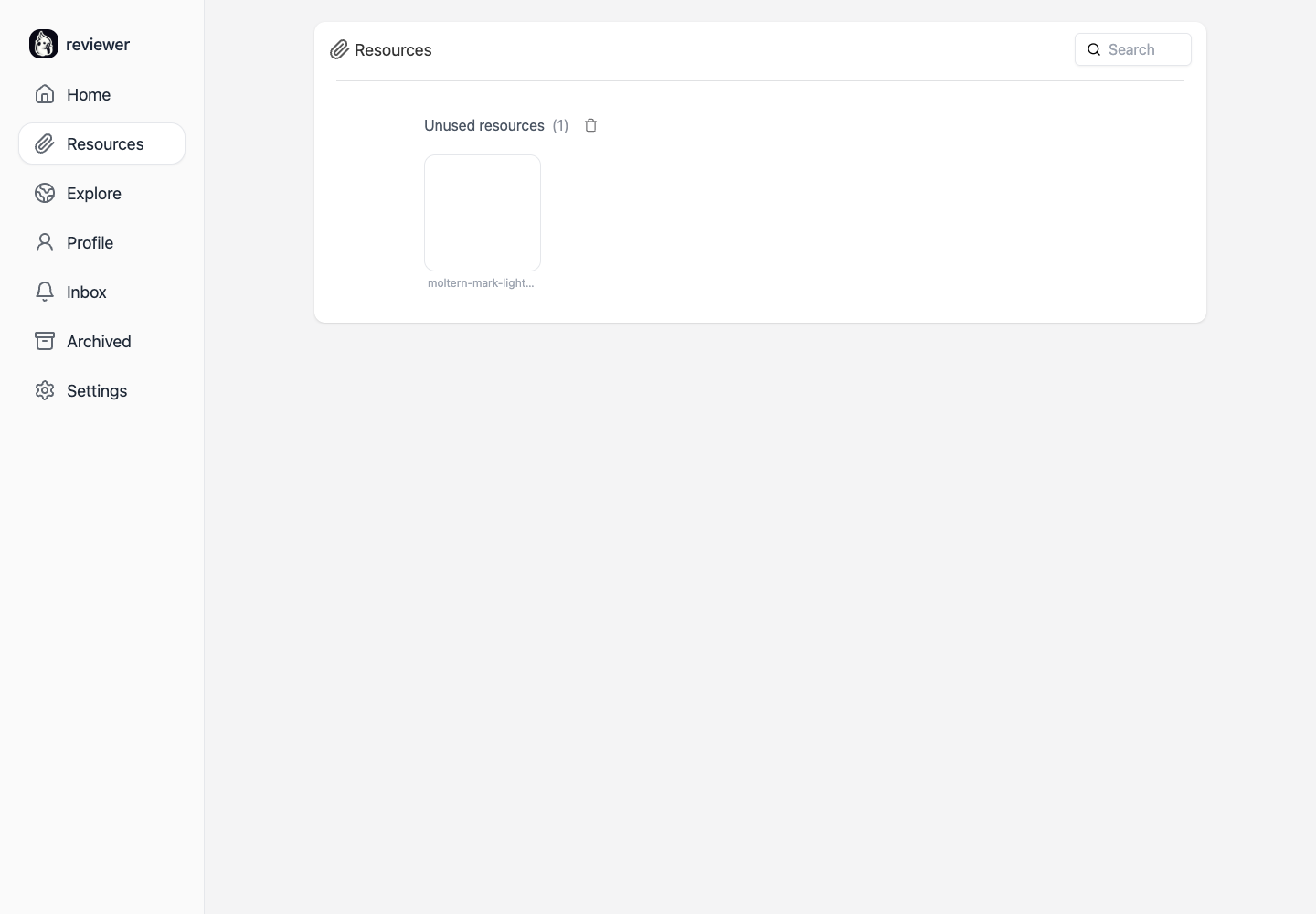
The pictured file survived replacement and downloaded with the same checksum as the original. This verifies that file, not every format or a backup workflow. Review visibility before uploading confidential files.
Connect An API Client
In Settings > My Account > Access Tokens, create a descriptively named token with a bounded expiration. Copy it into your client's secret settings, never a repository, URL, screenshot or documentation page.
For the tested version, listing your private notes requires a creator filter. An unfiltered list can return no private notes even with a valid token. Substitute your actual Memos user resource name:
curl --fail --get "$MEMOS_URL/api/v1/memos" \
  --header "Authorization: Bearer $MEMOS_TOKEN" \
  --data-urlencode 'filter=creator == "users/YOUR_USER_ID"'
A temporary token read the saved private note during validation and could no longer read it after deletion from Access Tokens. Revocation may produce an empty public listing rather than an HTTP authentication error. Check returned content, not just the status code.
An application token is not a Moltern private-service attachment. A coding agent also needs the intended resource access and securely configured application credentials. Agent attachment/revocation is a separate, still-open test gate.
Persistence, Capacity And Recovery
Notes, accounts and resources should survive Stop service followed by Start service. The URL may temporarily be unavailable during replacement. Wait for startup and refresh before assuming data loss.
For a disposable check, save a uniquely named note and harmless file, replace the runtime, then read the original note and download the file without recreating either. An orderly restart is not a concurrent-write or crash-consistency test.
Use Moltern Capacity for CPU/memory changes and Live Logs for startup errors. Resizing may interrupt service. Do not change the database driver or delete database files to resolve a login or startup failure.
Billing > Storage by workload updates after measurement. Small notes can round to zero GiB; a recent upload may not appear until the next sample. Capacity, measured bytes and invoiced usage are different values. Exact elapsed-time billing reconciliation is still being validated.
Keep independent exports of important content and files. Restart persistence is not a backup; complete export/import recovery is not certified by this guide.
Troubleshooting
| Symptom | What to check |
|---|---|
| Moltern password does not work | Use the separate Memos owner account created during setup. |
| Note remains only in the editor | Select Save, wait for the editor to clear, then reload. |
| Upload is an Unused resource | Verify the file is attached to a note before saving. |
| API returns no private notes | Check token expiry and the correct creator filter. |
| URL unavailable after Start | Wait for startup and inspect Live Logs. |
| Missing notes after an update | Stop making changes, preserve exports and contact support with the service and time. |
| Billing shows zero GiB | Check freshness and rounding; zero does not prove there are no files. |
Delete A Test Notebook
Review Delete Service in Moltern. Delete stored data removes the runtime and schedules data cleanup. Keep workspace files retains data, which still consumes storage. Complete account confirmation if requested, then wait for cleanup before assuming capacity is released. Do not delete unrelated files.
Frequently Asked Questions
Does Memos share my Moltern account?
No. The first-run form creates the Memos owner. Additional users and visibility are application settings.
Does the template need a separate database service?
Not this template. Its embedded database is persistent service data. Migrating to another database is not an ordinary restart.
Is this completely E2E certified?
Not yet. Note creation, authenticated reads, revocation and orderly restart have evidence. Shared-storage durability, full recovery, private agent attachment and exact billing reconciliation remain open.