Adminer
Adminer is a browser-based database client. Use it to inspect tables, run SQL, and edit records. The database stores your application data; Adminer is the interface used to access it.
Before You Deploy
Have a running database in the same workspace and environment, plus permission to manage service connections and reveal that database's connection details. The workflow below was exercised with PostgreSQL.
Deploy And Connect
- Open Services, find Adminer, and choose Deploy.
- Choose the environment containing your database and review capacity.
- Select Preview deploy, review the impact, and confirm.
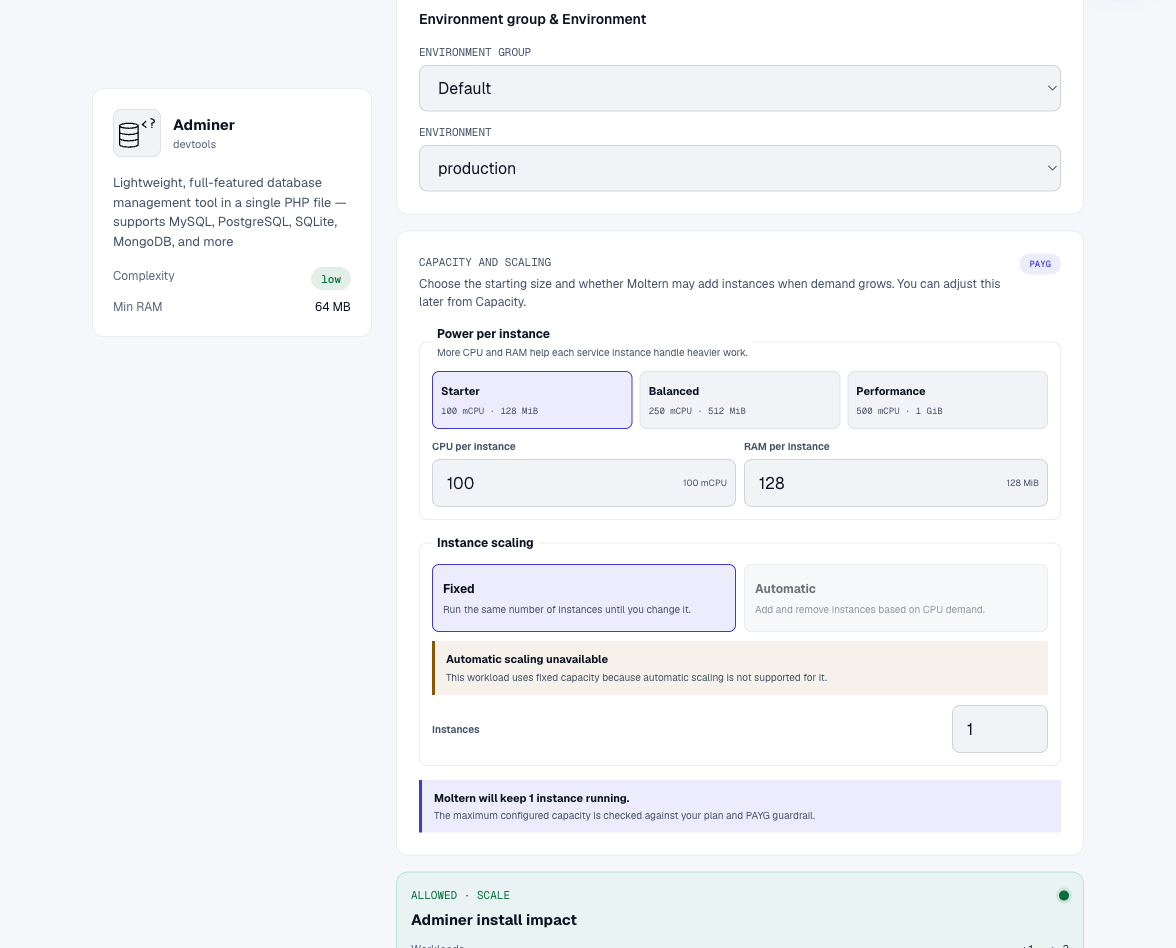
- Once Adminer is running, open its Settings and find Private service connections.
- Select your database and choose Connect. Wait for the connection to become active.
- Open the database's Settings, then reveal its connection values using your connection-details password. Keep these values private.
- Open Adminer's public URL. Select PostgreSQL, then enter the database host, username, password, and database name from those connection details.
The service connection allows private network access. It does not replace the database login or automatically sign you into Adminer.
Run A Query
Choose SQL command after login. For a disposable test database, this creates a small table and reads back a record:
CREATE TABLE validation_notes (id integer PRIMARY KEY, note text NOT NULL);
INSERT INTO validation_notes VALUES (1, 'Customer workflow verified');
SELECT * FROM validation_notes;
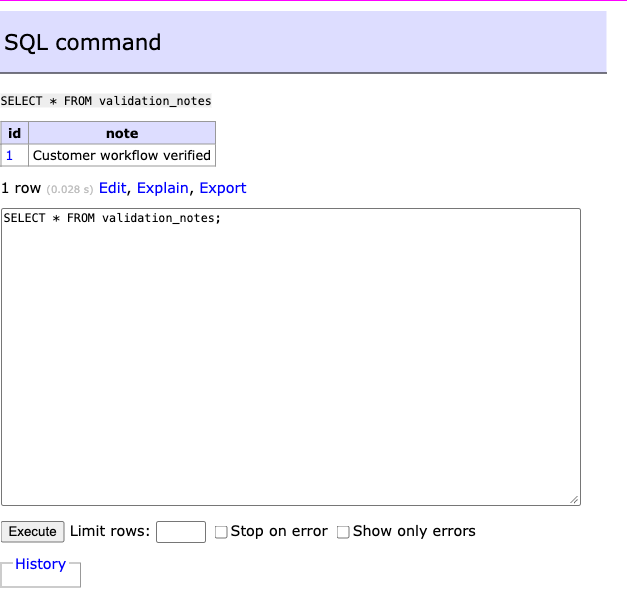
Use your own database's existing tables for normal work. Do not execute example schema changes against production data without reviewing them first.
Access And Cleanup
- Removing the private connection removes the network permission; requests that still need that database may time out. Reconnect before signing in again.
- Deleting Adminer does not mean deleting a separately created database. Review the deletion preview and manage the database's data separately.
- A database password remains necessary even though Adminer's login page is public. Do not publish connection values or screenshots of revealed credentials.
Validation Scope
Verified in a real Moltern browser session: deployment, private PostgreSQL attachment, login, table creation, insert, and query. After connection removal and restoration, the saved row could be queried again following an Adminer container restart. Other database engines, concurrency, backup recovery, and time-integrated billing were not certified by this test.
Troubleshooting
Connection times out: Check that both services are running, in the intended environment, and that the private connection is active. A failed database request can temporarily make this Adminer version unresponsive; wait for recovery before retrying.
Login rejected: Use the database's private host and credentials, not the Adminer URL or your Moltern account password.