Browserless
Deploy A Browser API
Browserless runs browser tasks for your application: rendering HTML, capturing screenshots and generating PDFs. It is an API service, not a website builder.
- Open Services and select Browserless.
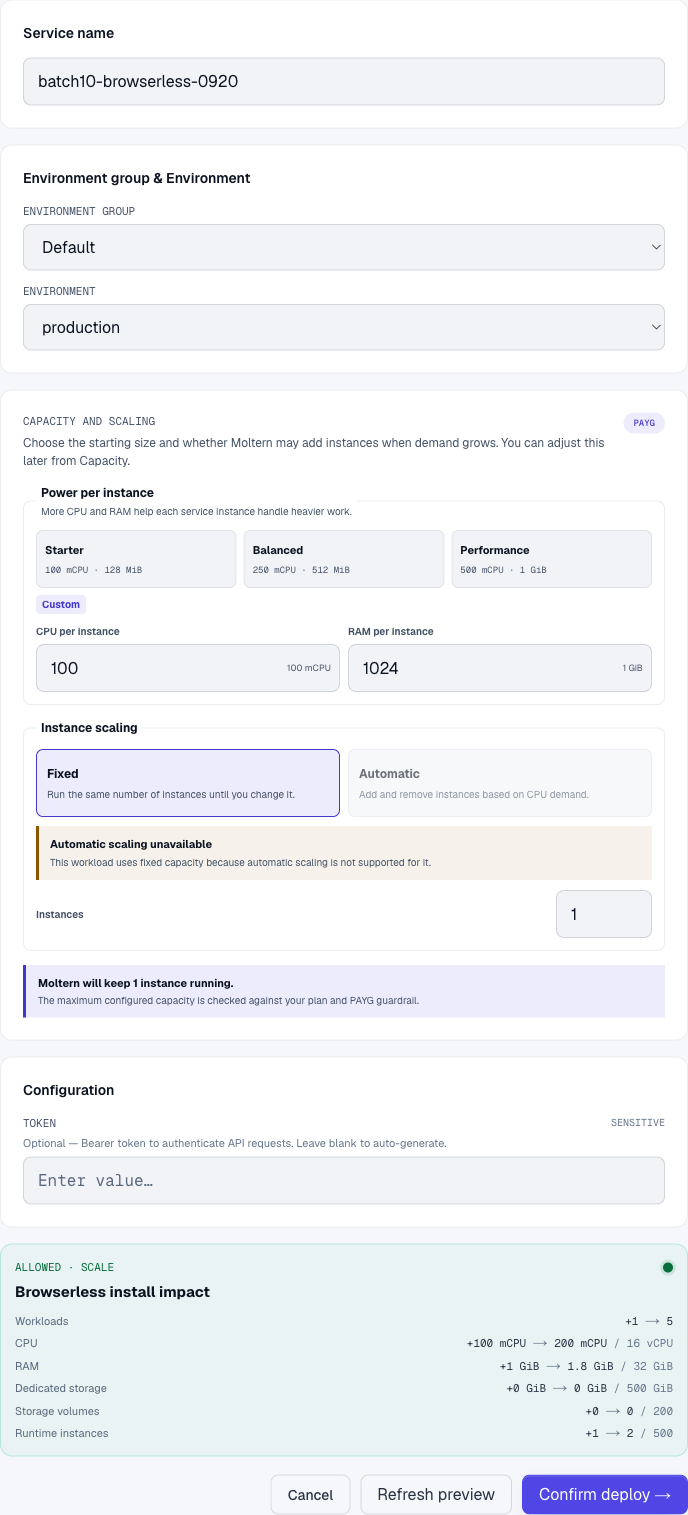
- Choose the environment and capacity. The functional test used one instance with 100 mCPU / 1 GiB. Concurrent browser sessions need additional capacity.
- Review Preview deploy, then choose Confirm deploy.
- Wait for startup and open the service's Settings.
Retrieve The Token
In Connection details, choose Reveal connection values and enter your connection details password. Set that password first if prompted. Account confirmation may also be required. Keep the token in your application's secret configuration, never in browser code, screenshots or a public repository.
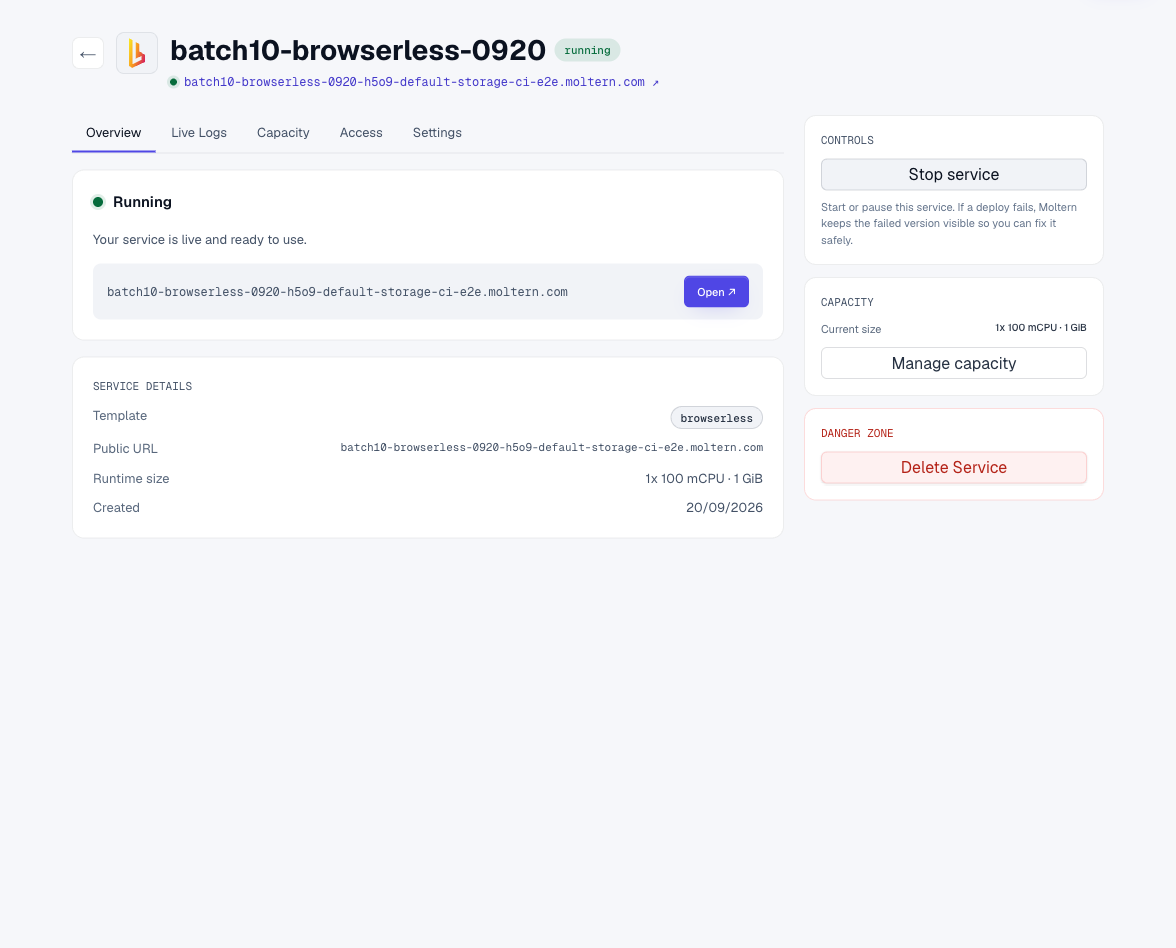
Opening the bare service URL can return 404. That does not test the browser API. Use a supported API route and a token instead.
Render A Screenshot
Set BROWSERLESS_URL to the service URL and BROWSERLESS_TOKEN to the protected
token in your own environment. Then make a server-side request:
curl --fail-with-body --silent --show-error \
  "$BROWSERLESS_URL/screenshot?token=$BROWSERLESS_TOKEN" \
  -H 'Content-Type: application/json' \
  --data '{"html":"<h1>My first report</h1><p>Rendered by Browserless</p>"}' \
  --output report.png
The response is a PNG, not JSON. A request without a token should be rejected. URLs containing tokens are sensitive; avoid putting them in shared logs.
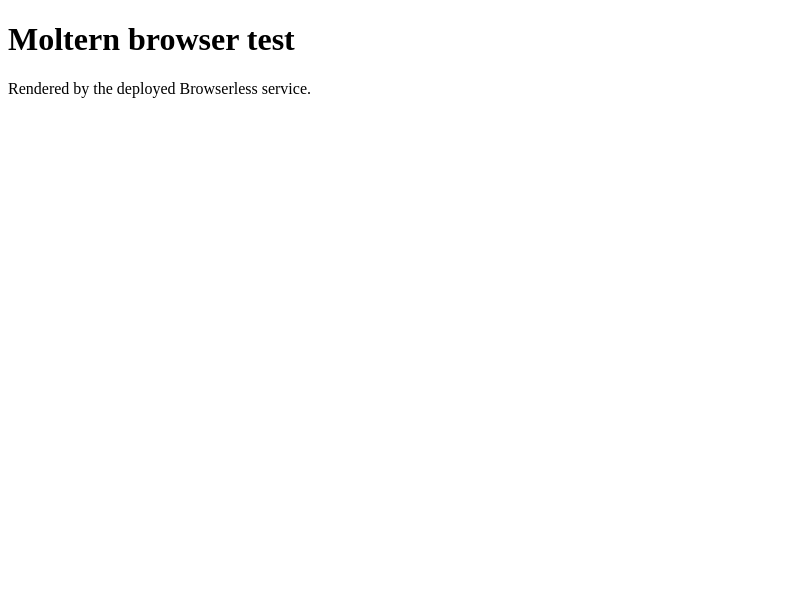
This image is the API's real output, not a Moltern interface mockup.
Generate A PDF Or Fetch A Page
Send the same HTML payload to /pdf?token=... to generate a PDF. Save the
response as a file and open it to verify its contents.
To render a public page, send {"url":"https://your-public-site.example"} to
/content?token=.... Use either html or url where supported, not both.
The tested service could retrieve Moltern's public robots.txt after the
networking correction. This does not grant access to private services.
Capacity And Cleanup
This template is stateless. Download outputs or save them in your own storage; do not treat a browser session as a persistent file store. Close sessions when finished. Use Delete Service to remove the runtime when no longer needed.
For a 401, check the token. For a timeout, test an owned public URL, inspect Live Logs, and review browser concurrency and available memory. Do not assume Browserless bypasses website access controls or anti-automation policies.
Verified Scope
September 20, 2026: Browserless 2.24.3. Tested protected token retrieval, a 401 without credentials, valid PNG output, a PDF with the submitted text, and a successful public-page fetch after the networking fix. Private service/agent integration, concurrency limits and invoice reconciliation remain separate tests.