pgAdmin
What is pgAdmin?
pgAdmin is a web interface for administering PostgreSQL. It does not create a PostgreSQL database by itself: signing into pgAdmin and authenticating to a database are separate steps.
The current Moltern template passed fresh administrator login and login after a stop/start. Our 19 September 2026 check also found a session error when saving a server group and no available private-database attachment control for this template. A complete database connection/query workflow is not yet verified. Do not use this guide as confirmation that production administration is ready.
Deploy and Sign In
- In Moltern, open Services, choose Deploy service, and select pgAdmin.
- Enter a service name, environment, administrator email, and a unique password. These credentials are for pgAdmin, not your Moltern account or PostgreSQL user.
- Review capacity and the deployment preview before confirming. Our functional test used one instance with 250 mCPU and 512 MiB; no load capacity was measured.
- Wait for the service, then open its generated URL.
- Sign in with the email and password you entered in step 2.
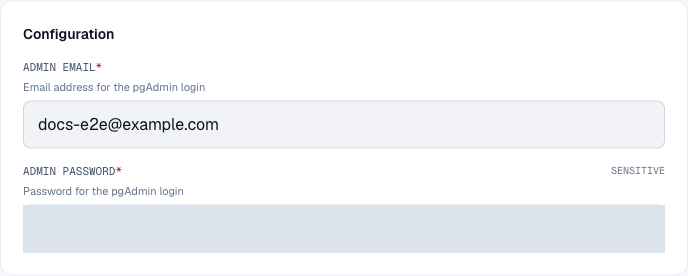
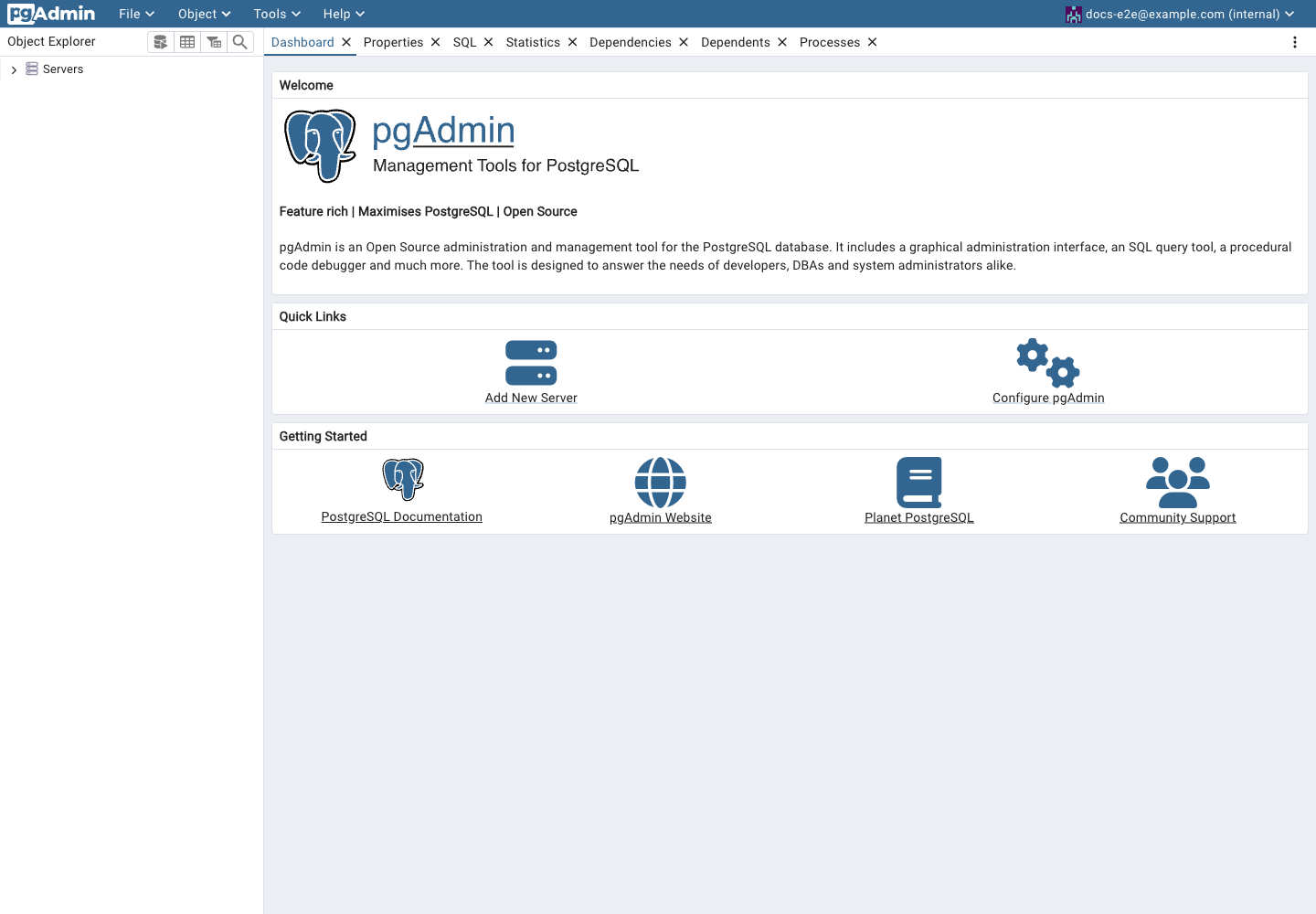
These screenshots show configuration and login only, not a successful database connection or query.
The login correction applies to newly initialized installations. Updating deployment variables does not reset an existing pgAdmin account database. Use the application's supported account recovery rather than deleting stored data to repair a login.
Database Access
A database hostname does not grant database access. A connection needs the right network authorization, database name, username, password, and TLS settings. Do not expose a private database publicly just to work around the current attachment limitation.
Current Limitations
| Symptom | Guidance |
|---|---|
| Login fails on an older installation | The initial credentials may differ from deployment settings. Preserve data and contact support for account recovery. |
| Saving reports a missing CSRF session token | Stop and report the action to support. Do not disable CSRF protection. This remains under investigation. |
| Private service connections are unavailable | The pgAdmin attachment workflow is not yet validated. Keep the database private. |
| Storage preview or cleanup is unexpected | Review Billing and contact support before redeploying repeatedly; storage accounting and cleanup checks for this template remain incomplete. |