phpMyAdmin
Use phpMyAdmin to browse a MySQL-compatible database, edit tables, and run SQL from your browser. This guide's live workflow was tested with MariaDB.
Deploy The Client
- Deploy or select a running MariaDB service in your workspace.
- Find phpMyAdmin in Services and choose Deploy.
- Select the same environment as your database.
- Review capacity and Preview deploy, then confirm.
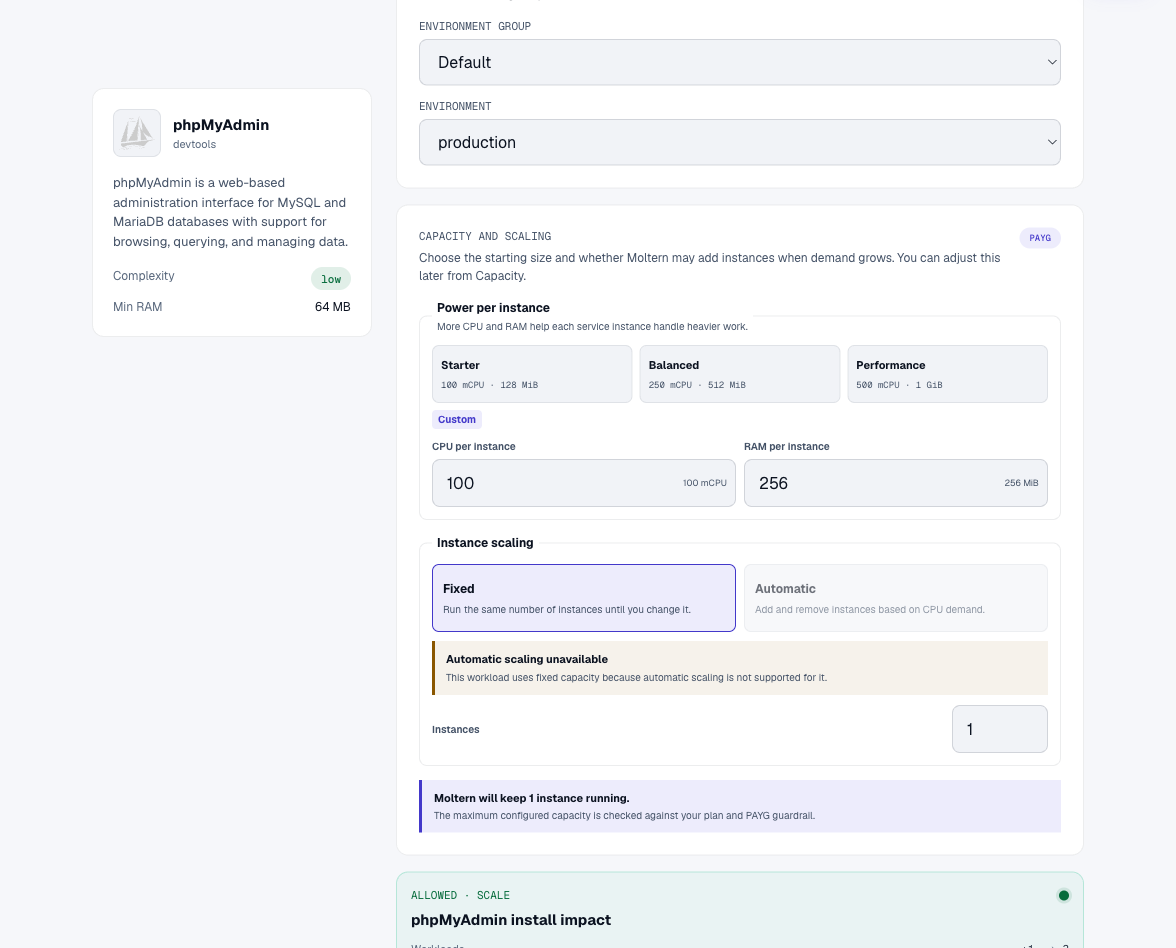
Connect And Sign In
- Open phpMyAdmin's Settings.
- Under Private service connections, select MariaDB and choose Connect.
- Open MariaDB's Settings and reveal its connection values with your connection-details password.
- Open phpMyAdmin's URL. Enter the private database host in Server, followed by the database username and password.
- Sign in. Your permitted databases appear in the navigation.
A private service connection grants network access, not a database account. Your Moltern login password is not the database password.
Save And Query Data
Open SQL and choose the database you intend to modify. In a disposable database, create a small table, insert a test message, and select it back:
USE app;
CREATE TABLE validation_notes (id integer PRIMARY KEY, note varchar(120) NOT NULL);
INSERT INTO validation_notes VALUES (1, 'Customer workflow verified');
SELECT * FROM validation_notes;
Replace app with the name shown in your connection details. Review SQL before
running it against important data.
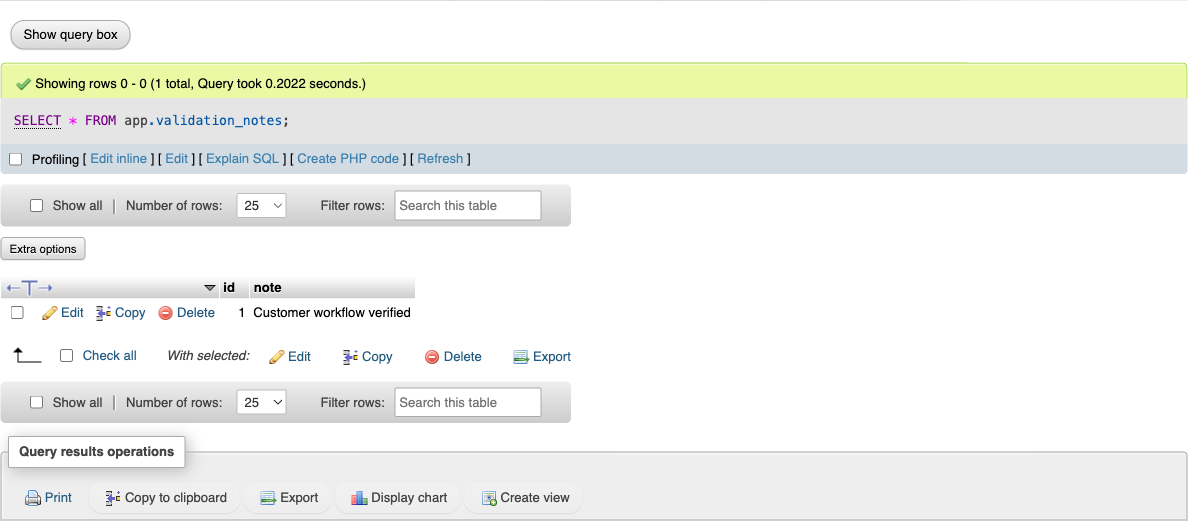
What Was Verified
The current chart was tested through the actual Moltern deployment form: private MariaDB attachment, database login, table creation, insert, and query. The saved row was queried again after stopping and starting MariaDB with a replacement runtime. This is not certification of every SQL feature, load level, backup workflow, or billing calculation.
Troubleshooting
Failed to read configuration file: This was a confirmed problem in the older template. Fresh installations with the corrected chart initialize the required configuration before becoming ready. For an existing affected client, deploy a replacement phpMyAdmin instance and reconnect it to the existing database; do not delete the database to repair the client.
Connection refused or timeout: Confirm that MariaDB is running and that its private connection is active. Use the private host from connection details.
Extended features unavailable: phpMyAdmin can warn that its optional configuration storage is not fully configured. Core login and SQL work without those extended features; the tested chart does not provision them automatically.
Cleanup
Deleting this client does not delete a separately created MariaDB service. Review each service's deletion preview and retained-data option.