Connect data privately
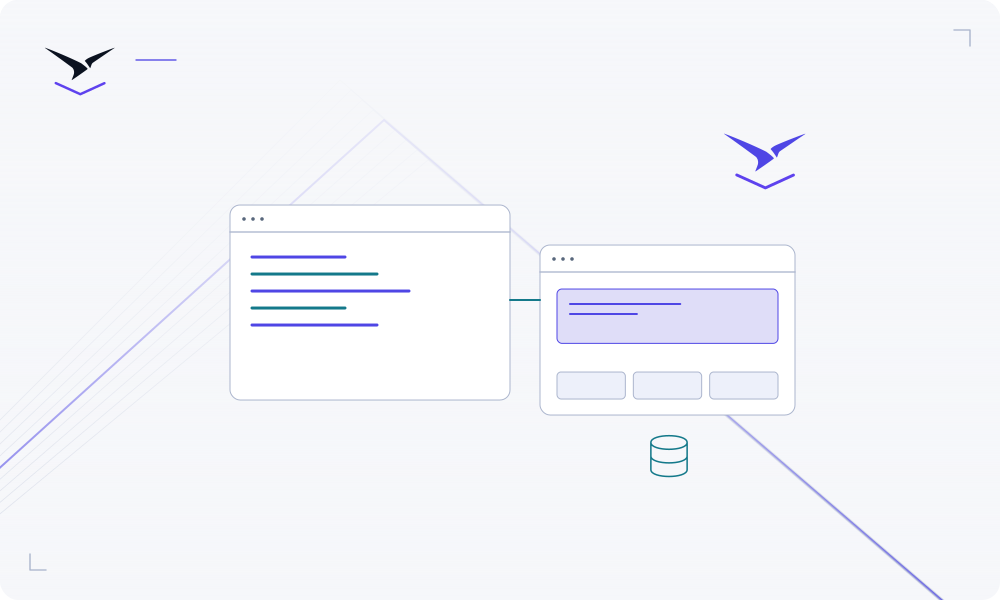
Put the service in the appropriate environment and use explicit private connections where supported. Keep server credentials out of browser code and source control.
Choose a database service, connect it privately and plan storage, access and recovery.
The application starts relying on its database long before the team calls it production. Choose the right service and environment, review its setup guide and record who owns recovery. Connect through the supported private workflow instead of exposing the database just to make development easier.
Put the service in the appropriate environment and use explicit private connections where supported. Keep server credentials out of browser code and source control.
Inspect deployment status and logs, verify the URL and test the application’s main workflow. Record who owns configuration changes, service upgrades and recovery.
Check the workspace plan, workload limits, CPU, memory and storage requirements. Review usage and applicable guardrails before adding or resizing resources.
Detailed instructions are maintained in the product documentation.
Name an owner and review the service-specific persistence and recovery instructions before relying on its data.
Start with deployment logs, build commands, runtime port, health checks and required variables, then follow the troubleshooting guide.
Plans and eligibility differ. Use the pricing and billing pages for current terms; program benefits require individual confirmation.
Bring your code or choose a service, then give the result a clear operating home.
Start building ↗