Connect and test the data path
Put the service in the appropriate environment and use explicit private connections where supported. Keep server credentials out of browser code and source control.
Keep the database in the right environment and use Moltern’s explicit service connection workflow.
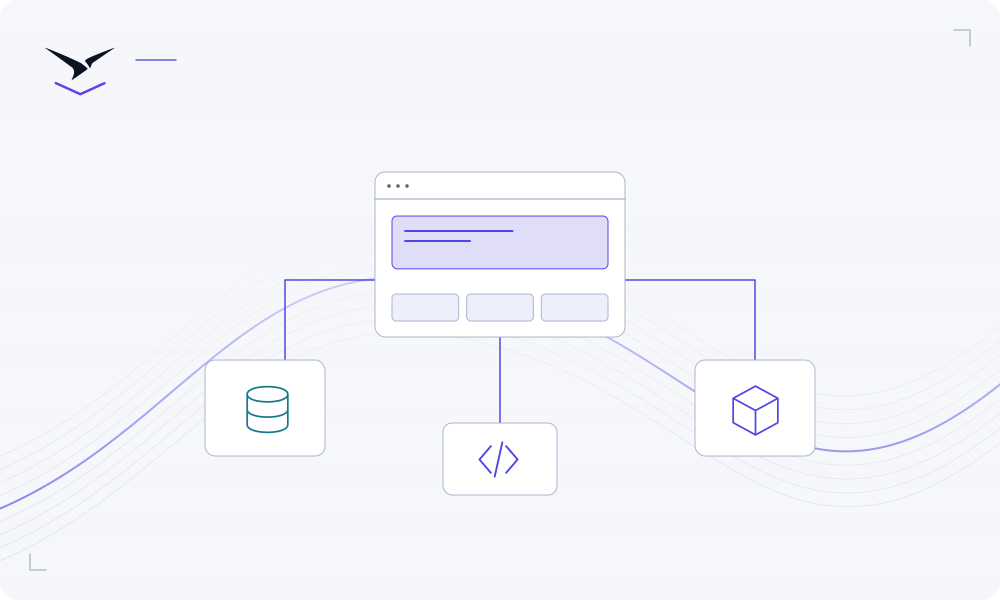
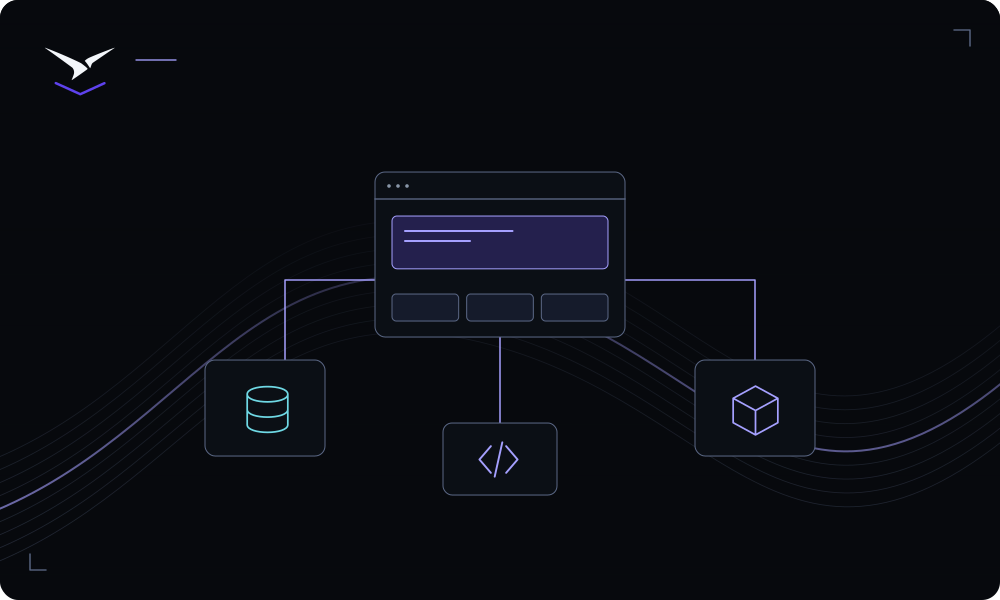
Deploy and verify the database first. Open the application’s connection settings, select the service and review the variables it provides. Keep browser-only code away from server credentials, then test the application’s real data path and document recovery ownership.
Put the service in the appropriate environment and use explicit private connections where supported. Keep server credentials out of browser code and source control.
Use managed roles and the narrowest useful scope. Set expiry for temporary access, inspect effective permissions and revoke the grant when the work is finished.
Inspect deployment status and logs, verify the URL and test the application’s main workflow. Record who owns configuration changes, service upgrades and recovery.
Detailed instructions are maintained in the product documentation.
Name an owner and review the service-specific persistence and recovery instructions before relying on its data.
Secret use and secret reveal are separate permissions. Grant sensitive access only when the task requires it.
Start with deployment logs, build commands, runtime port, health checks and required variables, then follow the troubleshooting guide.
Bring your code or choose a service, then give the result a clear operating home.
Start building ↗