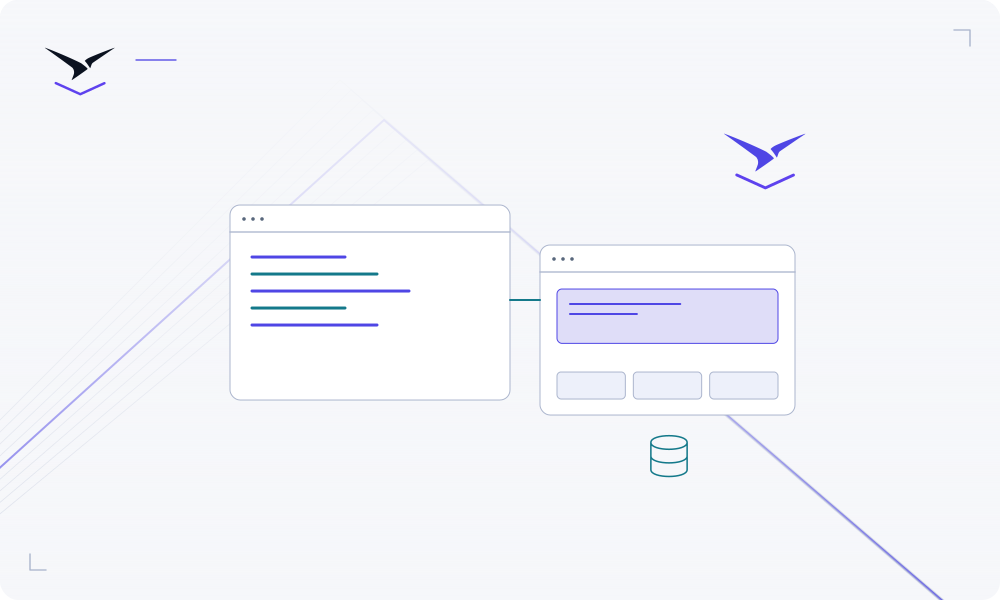
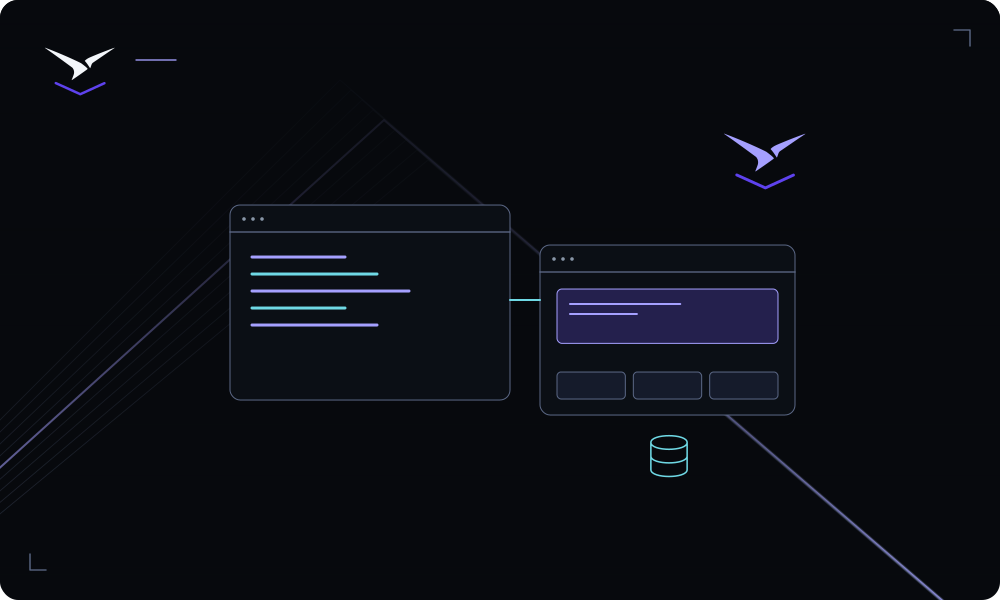
Give the workflow an operating owner
Configure the selected automation service and its connections. Test a real input, inspect the result and agree who will handle failures and credential changes.
Bring content, analytics and automation services into the same operating workspace.
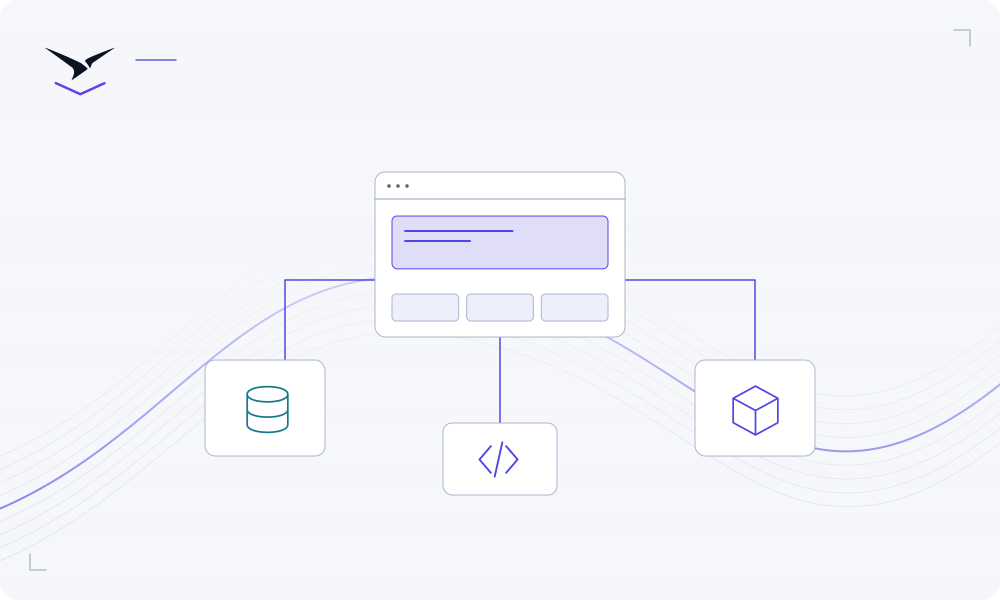
The landing page is only one part of a campaign. A CMS, a workflow and a data store also need owners, configuration and a reliable place to run. Choose the services that fit your team and keep the handoff to technical colleagues clear.
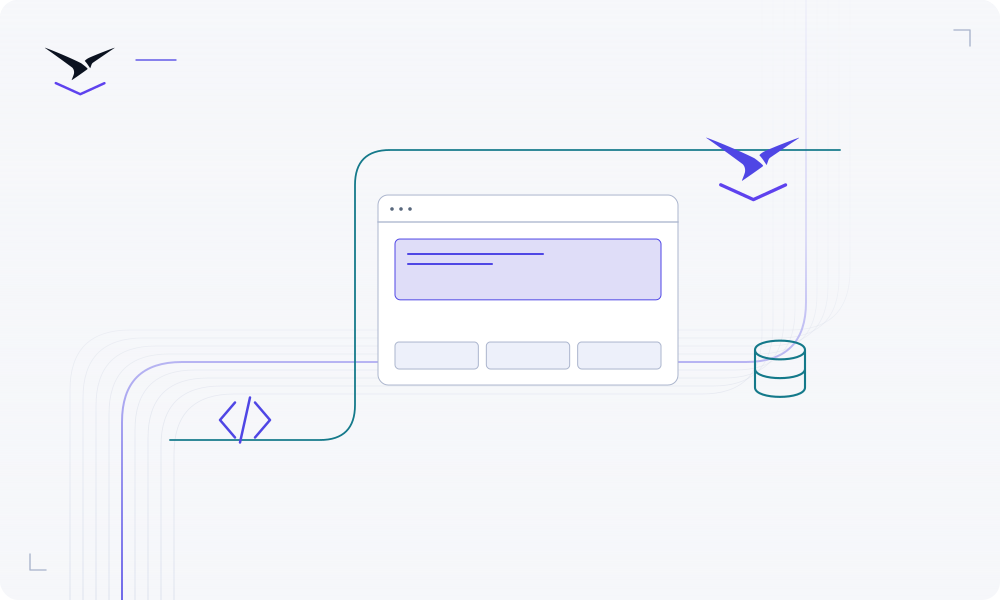
Configure the selected automation service and its connections. Test a real input, inspect the result and agree who will handle failures and credential changes.
The catalog includes data, automation, AI, monitoring and other packaged software. Read each service guide before deployment and review its configuration and dependencies.
Document the infrastructure boundary, access model and responsibilities for configuration, upgrades, data and recovery. Agree on a handover before production use.
Detailed instructions are maintained in the product documentation.
Check the selected service’s supported integrations and credential requirements. Moltern runs the service; integration behavior belongs to that software.
No. Required variables, dependencies, storage and access differ. The individual service guide explains the setup.
No. Infrastructure placement and operational responsibility are design choices, not claims of independent certification.
Bring your code or choose a service, then give the result a clear operating home.
Start building ↗