Configure the first application
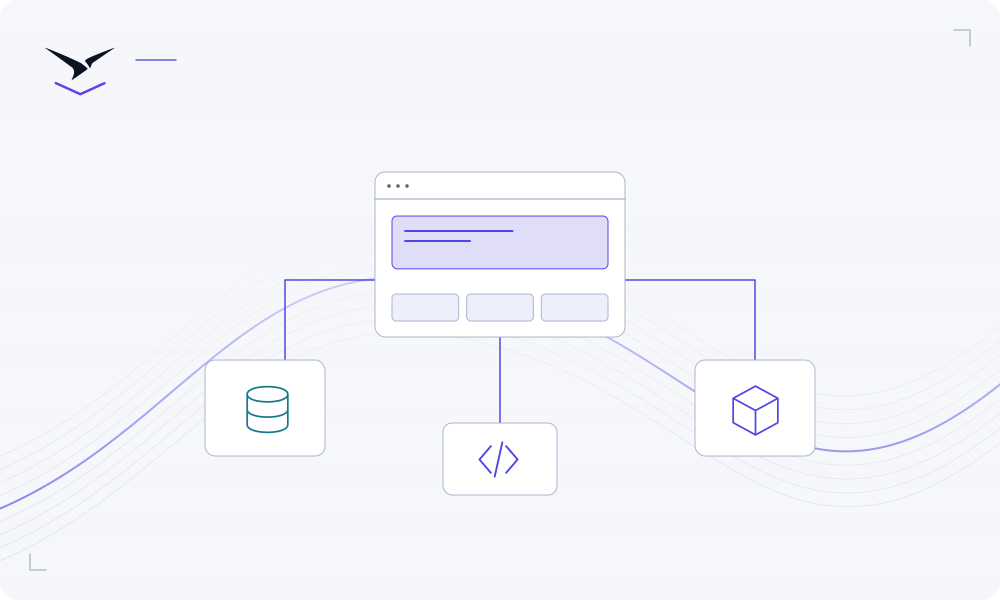
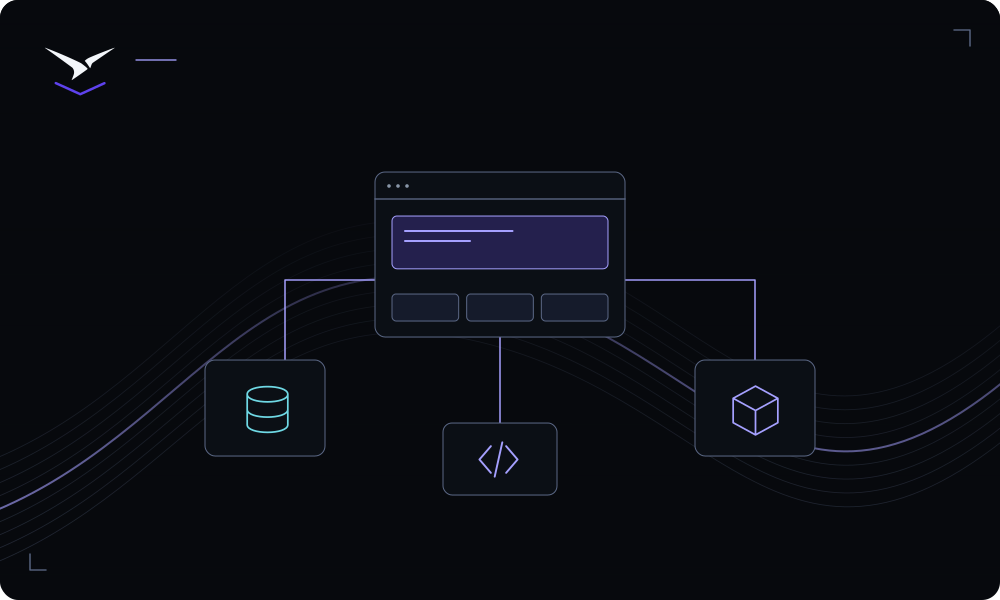
Connect a repository and branch, review the build and start commands, then set the runtime port and health check. Static sites and web services have different operating needs.
Map the repository, variables, services and domains before changing production traffic.
A migration is more than a new build. Record the current runtime and dependencies, plan data movement and establish a recovery point. Deploy and test in Moltern before changing DNS. Keep the original environment available until you have verified the new workflow.
Connect a repository and branch, review the build and start commands, then set the runtime port and health check. Static sites and web services have different operating needs.
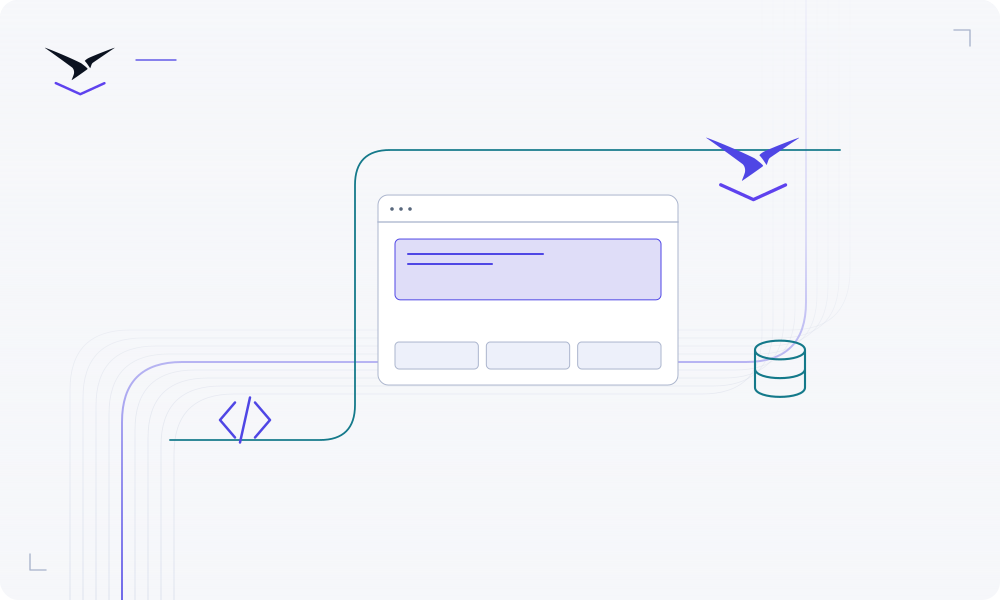
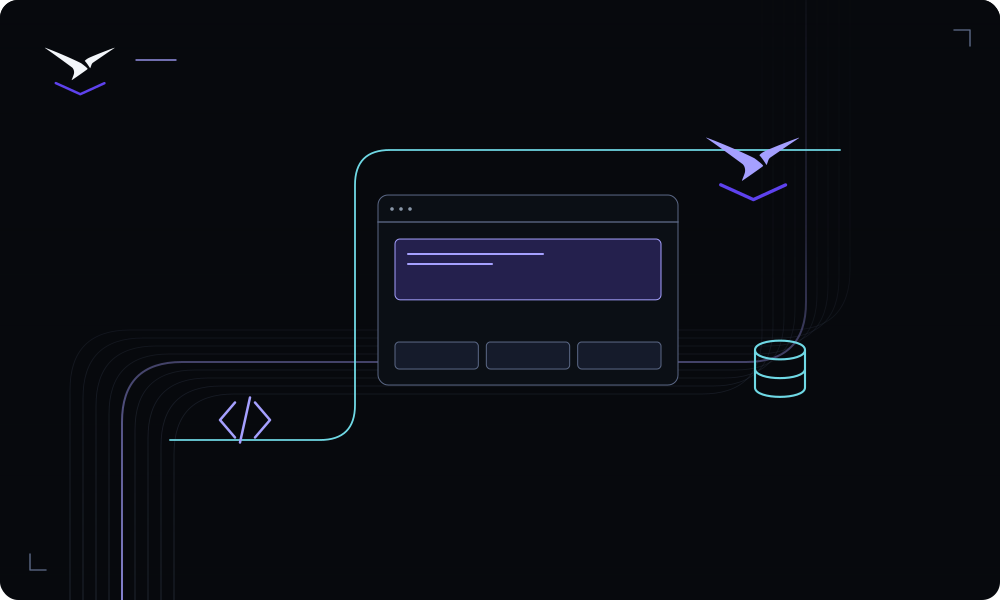
Put the service in the appropriate environment and use explicit private connections where supported. Keep server credentials out of browser code and source control.
Inspect deployment status and logs, verify the URL and test the application’s main workflow. Record who owns configuration changes, service upgrades and recovery.
Detailed instructions are maintained in the product documentation.
Use a supported runtime or a Dockerfile. Review the application guide for your build output and server requirements.
Name an owner and review the service-specific persistence and recovery instructions before relying on its data.
Start with deployment logs, build commands, runtime port, health checks and required variables, then follow the troubleshooting guide.
Bring your code or choose a service, then give the result a clear operating home.
Start building ↗