OpenBao: Application Secrets and Access Policies
OpenBao stores application secrets behind authenticated, policy-controlled APIs. Use it when an application needs a central place for sensitive configuration, short-lived credentials or encryption operations. A Moltern service attachment does not automatically grant access to secrets inside OpenBao.
This service is OpenBao. It is not HashiCorp Vault, and deploying it does not convert an existing Vault installation or transfer its data.
Before you deploy
- Choose the workspace and environment that will own the secrets service.
- Have permission to deploy services and reveal protected connection values.
- Plan who will hold the unseal key shares and how they will be recovered.
- Prepare a secure location for the initial root token outside this service.
- Allow capacity for OpenBao and its private PostgreSQL dependency.
- Use a separate installation for experiments with initialization or recovery.
This recipe runs one instance with manual unsealing. It does not configure automatic unseal, a multi-instance cluster or automatic secret delivery into every connected application.
Deploy the service
- Open Services, select the security category, then choose OpenBao.
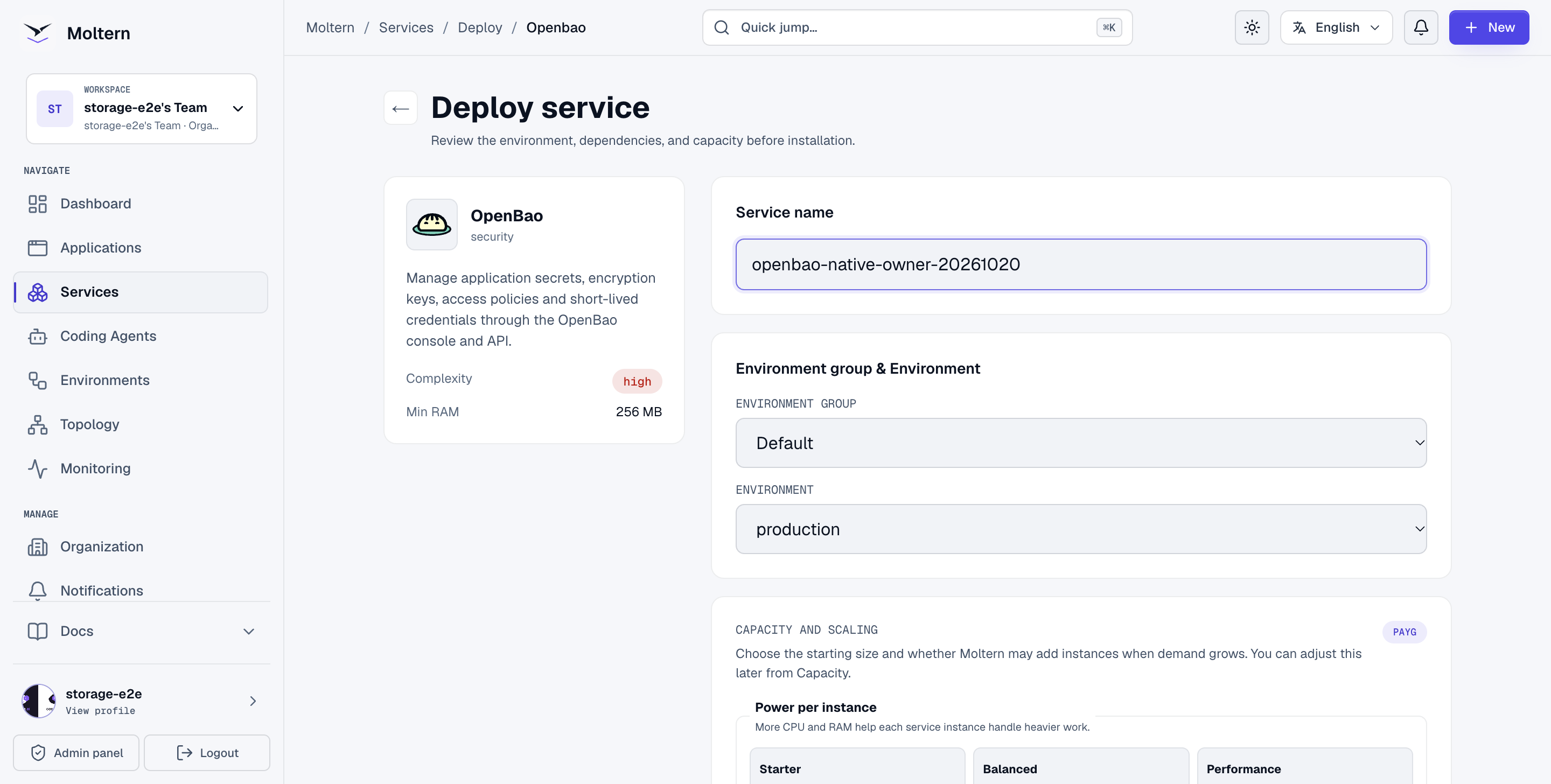
- Enter a service name and select its environment.
- Review the starting CPU, memory and storage capacity.
- Create a fresh PostgreSQL dependency for this OpenBao installation. Selecting an existing database service does not automatically allocate a separate database or secret store. Do not point two independent installations at the same stored OpenBao state.
- Select Preview deploy and review both workloads before confirming.
- Follow progress and Live Logs until the runtime is ready.
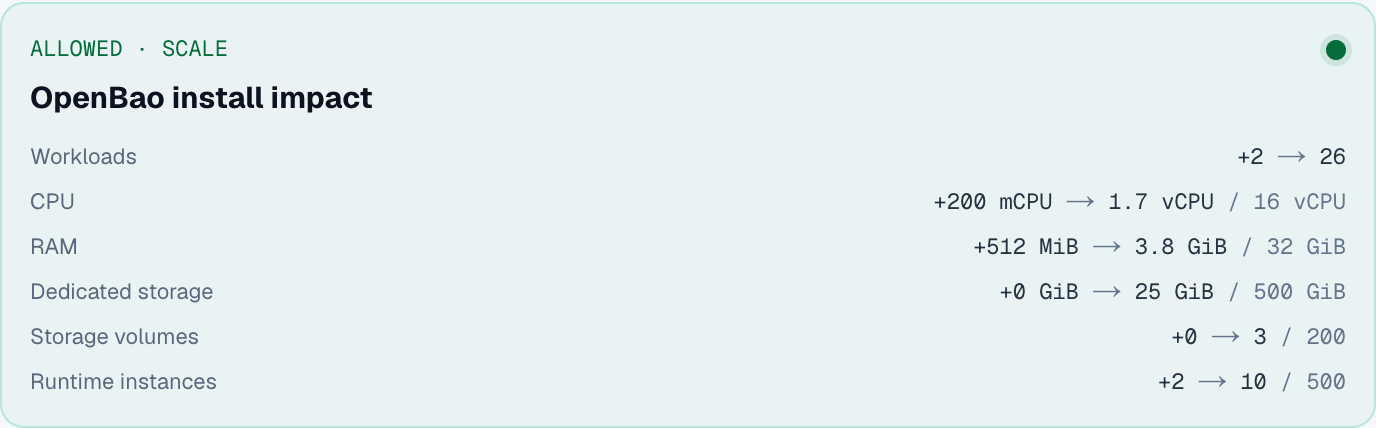
The running badge means the process is reachable. It does not mean an uninitialized or sealed OpenBao instance is ready to serve secrets.
Open the protected first-time setup
- Open the service's Settings → Connection details.
- Select Reveal connection values. Complete account confirmation when asked, then enter your separate connection-details password.
- Keep the generated Setup Password private.
- Open the service URL. When your browser requests credentials, use username
setupand that generated password.
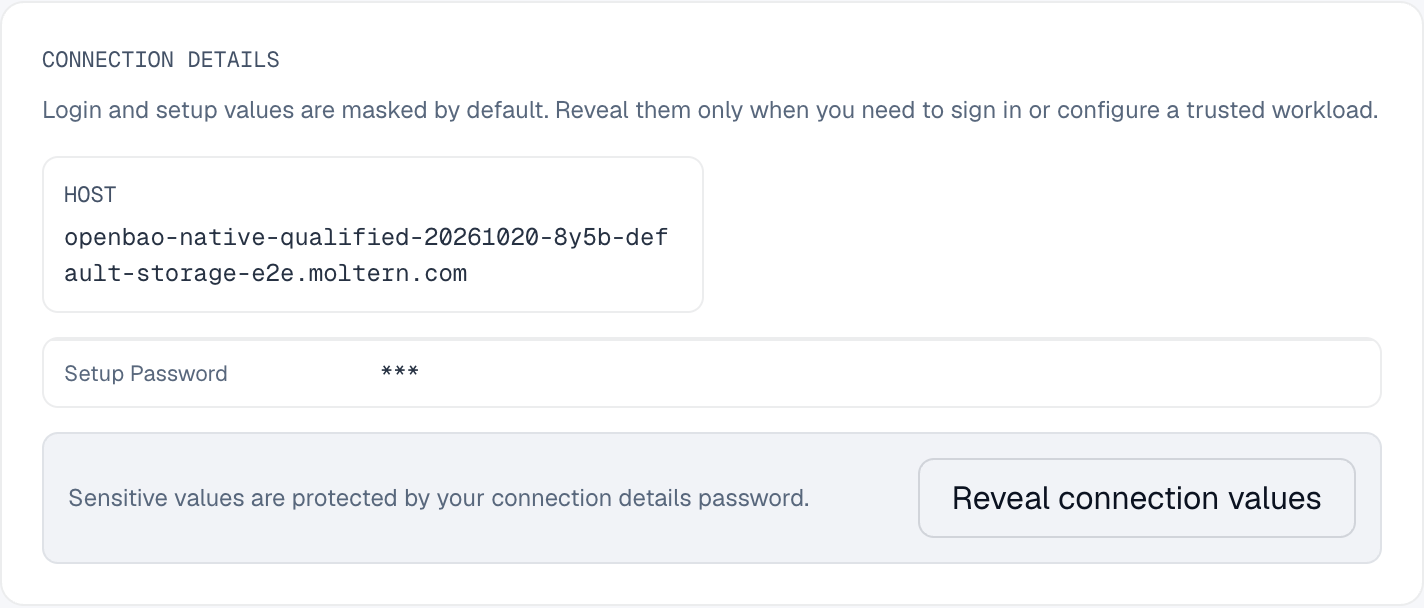
The setup login protects first initialization. It is not an OpenBao root token, an unseal key or an application credential. After initialization, use native OpenBao authentication rather than this setup password.
Initialize and protect recovery material
The native setup asks for Key shares and Key threshold. Choose these according to your organization's recovery policy. For example, three shares with a threshold of two requires two distinct shares to unseal the instance.
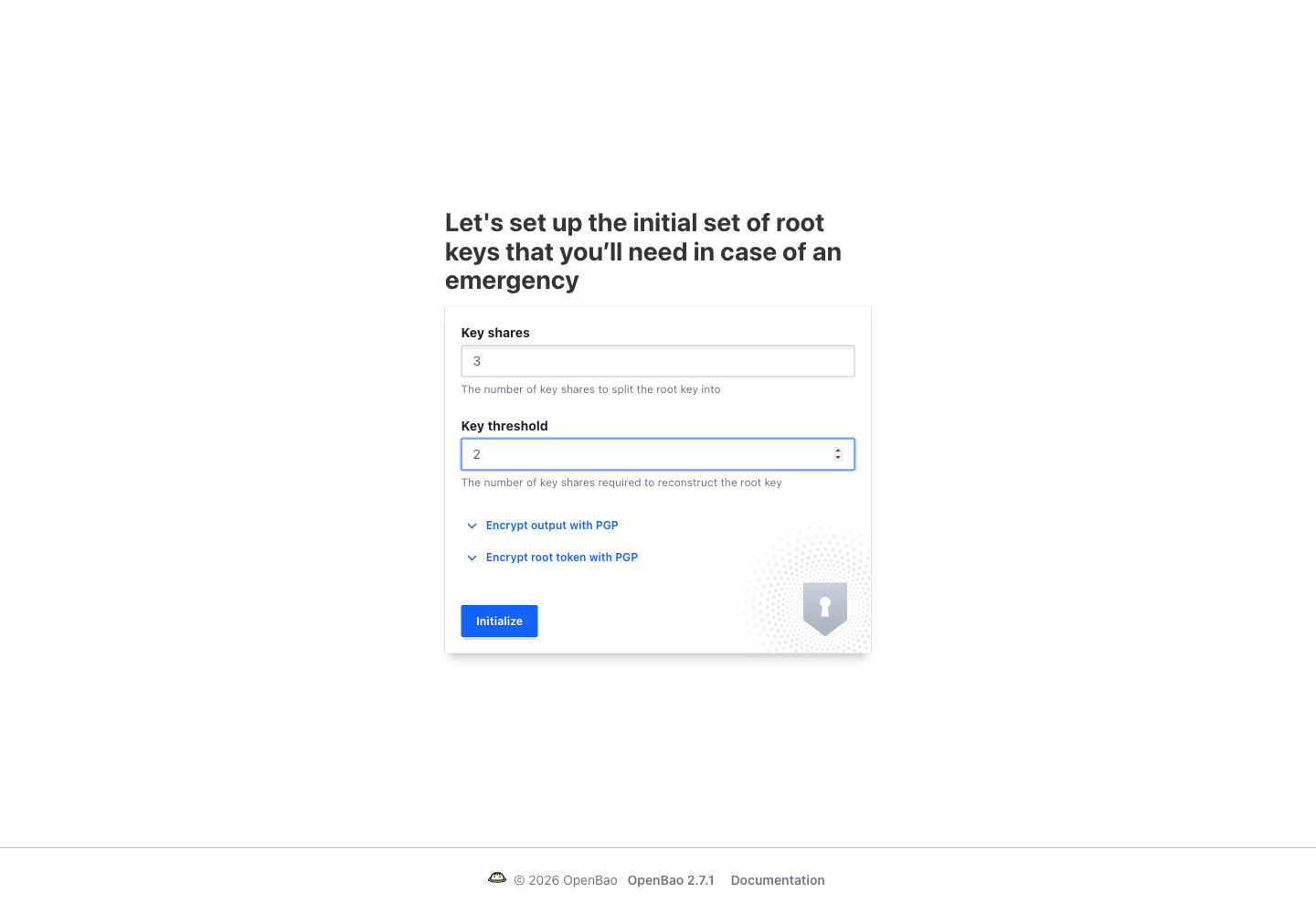
- Enter the share count and threshold. The threshold cannot exceed the count.
- Use the native PGP options when your organization has the corresponding keys and an established encrypted handover process.
- Select Initialize once and wait for its result.
- Securely preserve the returned unseal material and initial root token before closing the result. Do not place all shares beside the encrypted data.
- Distribute the shares to the intended custodians through approved channels.
Moltern does not retain the native unseal shares or initial root token for you. The password reveal in Settings cannot recover those values. Do not put them in Git, screenshots, application logs, chat messages or an agent's project notes.
If initialization reports an error, do not assume it is safe to initialize again or create a replacement database. Check Live Logs and the native initialized state first; ask support before changing an installation containing real data.
Unseal and sign in
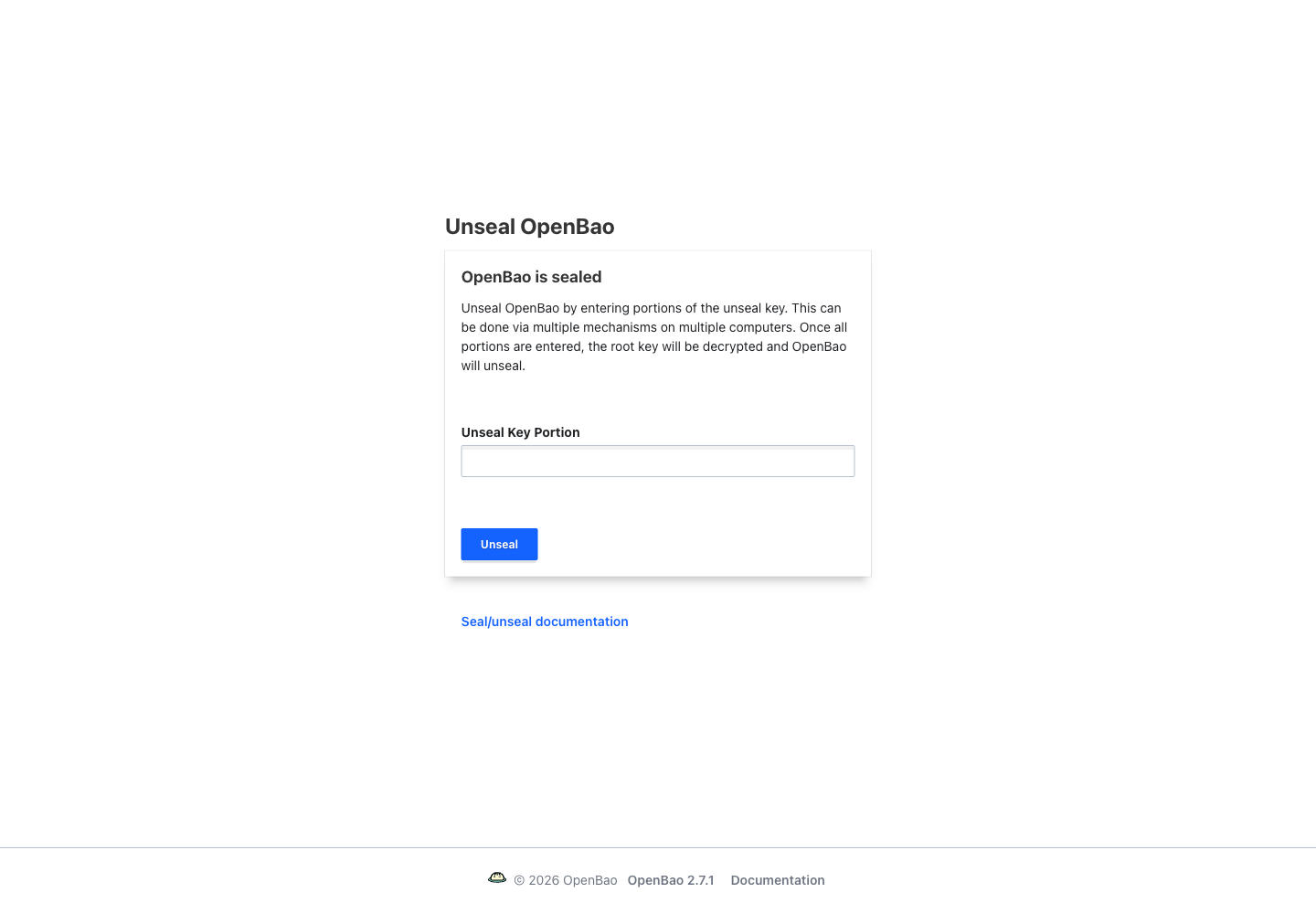
- On the native unseal screen, enter one valid share and submit it.
- Have the remaining required custodians submit different shares.
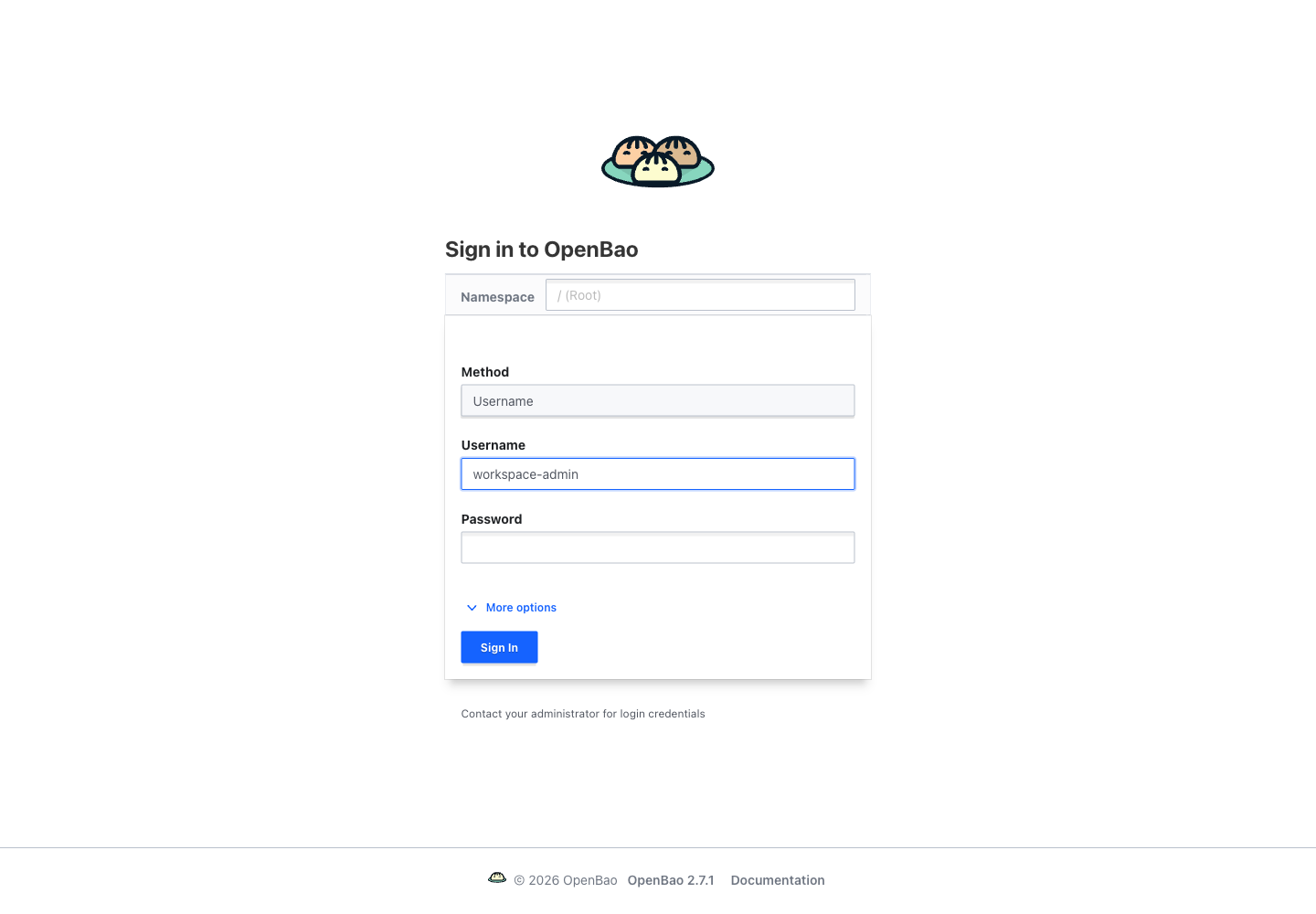
- Once the threshold is reached, choose the appropriate sign-in method.
- Use the initial root token only for the first administrative configuration.
Create an appropriate administrator authentication method and verify that it works in a separate session before revoking the initial root token. Ordinary applications and coding agents must never receive that root token.
For example, an administrator can enable username authentication, create the intended administrative policy and user, then test Username sign-in. This method must be configured in OpenBao before it can authenticate an account.
Store a versioned application secret
Use a version 2 key/value engine when you need secret history.
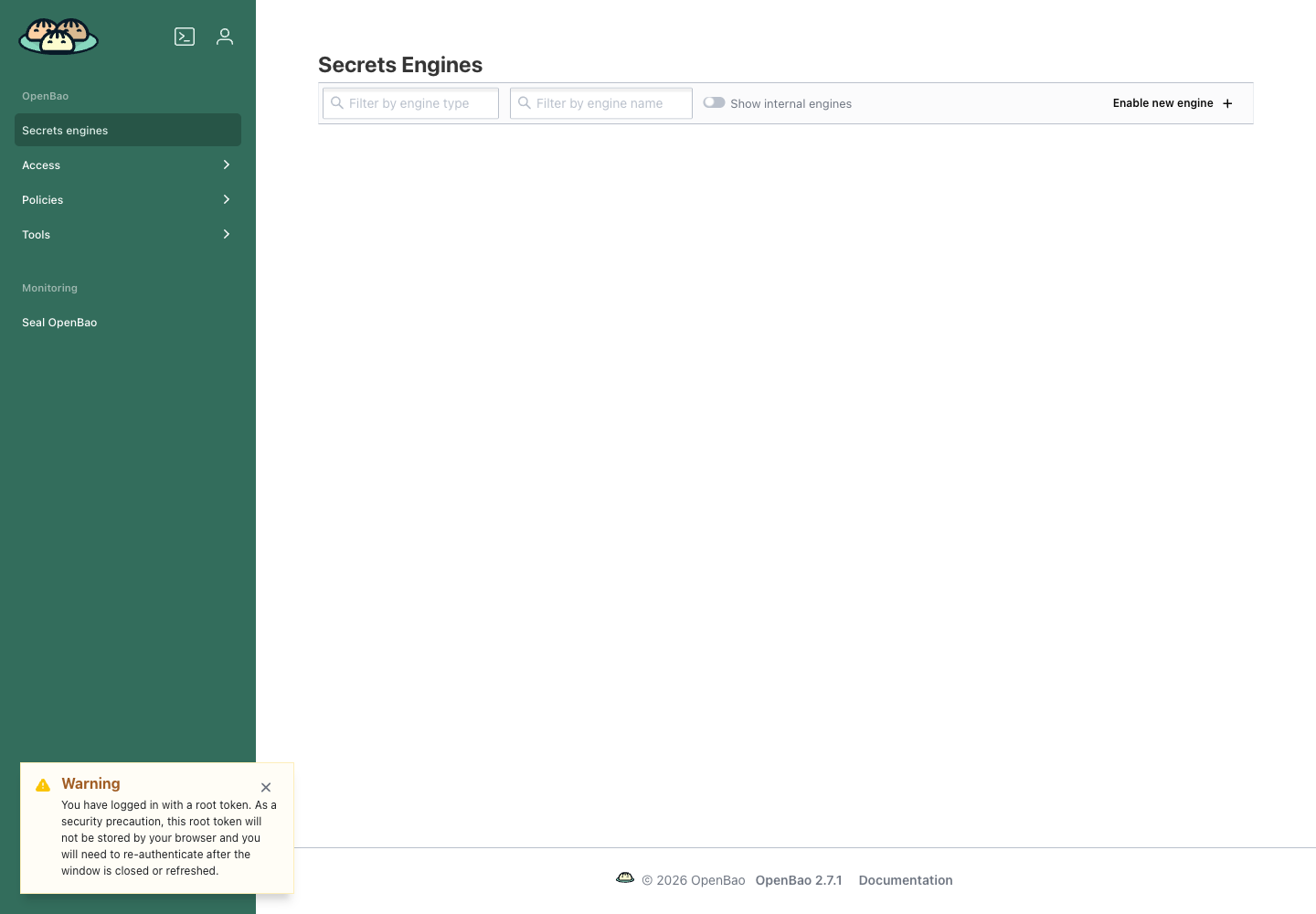
- Open Secrets engines and choose Enable new engine.
- Select KV, choose version 2, and use a stable path such as
applications. - Inside that engine, create a secret such as
customer-operations/reporting. - Enter your application's key/value pairs and save them.
- Change a value and save again to create another version.
- Review the version history before deleting or destroying an older version.
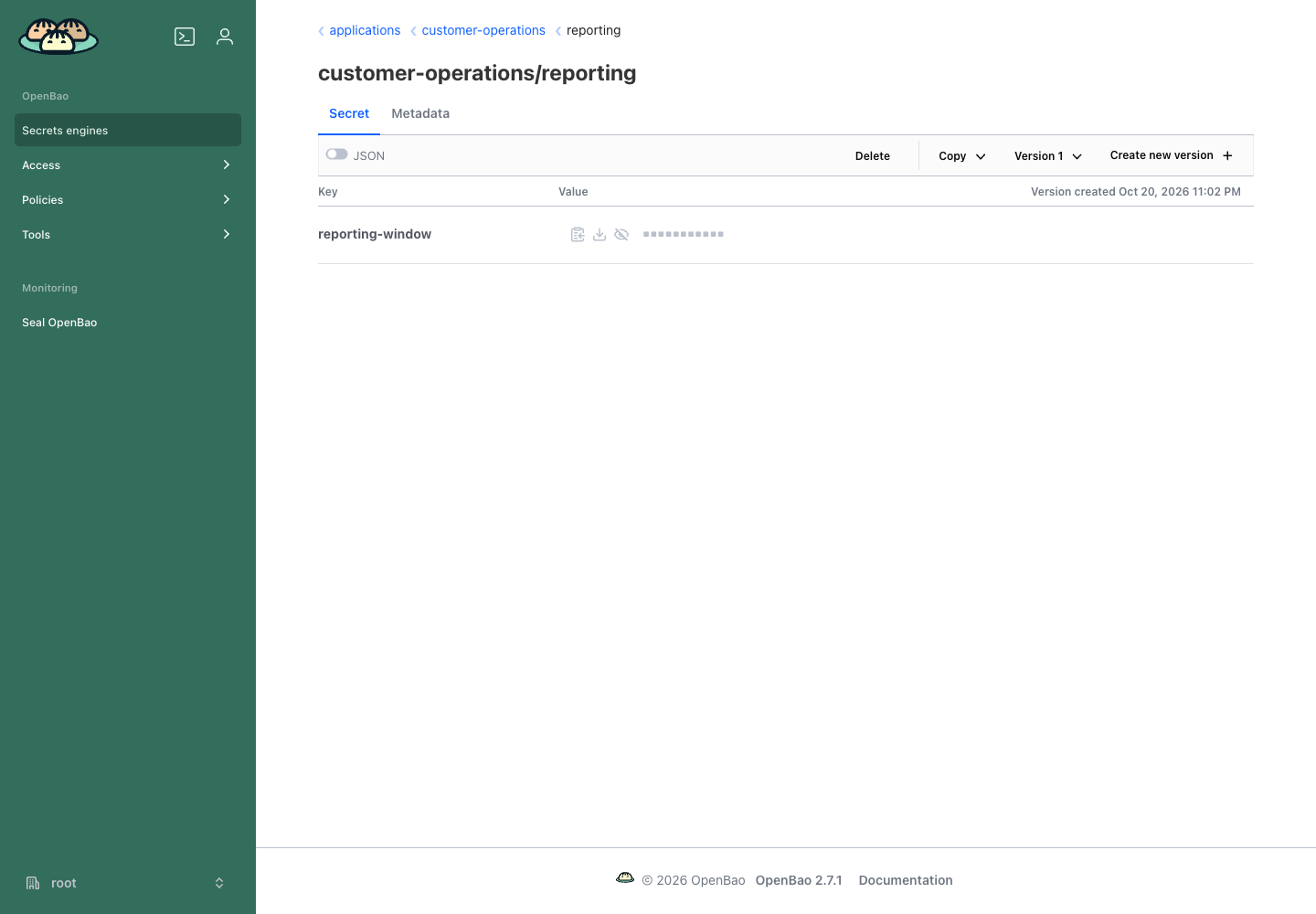
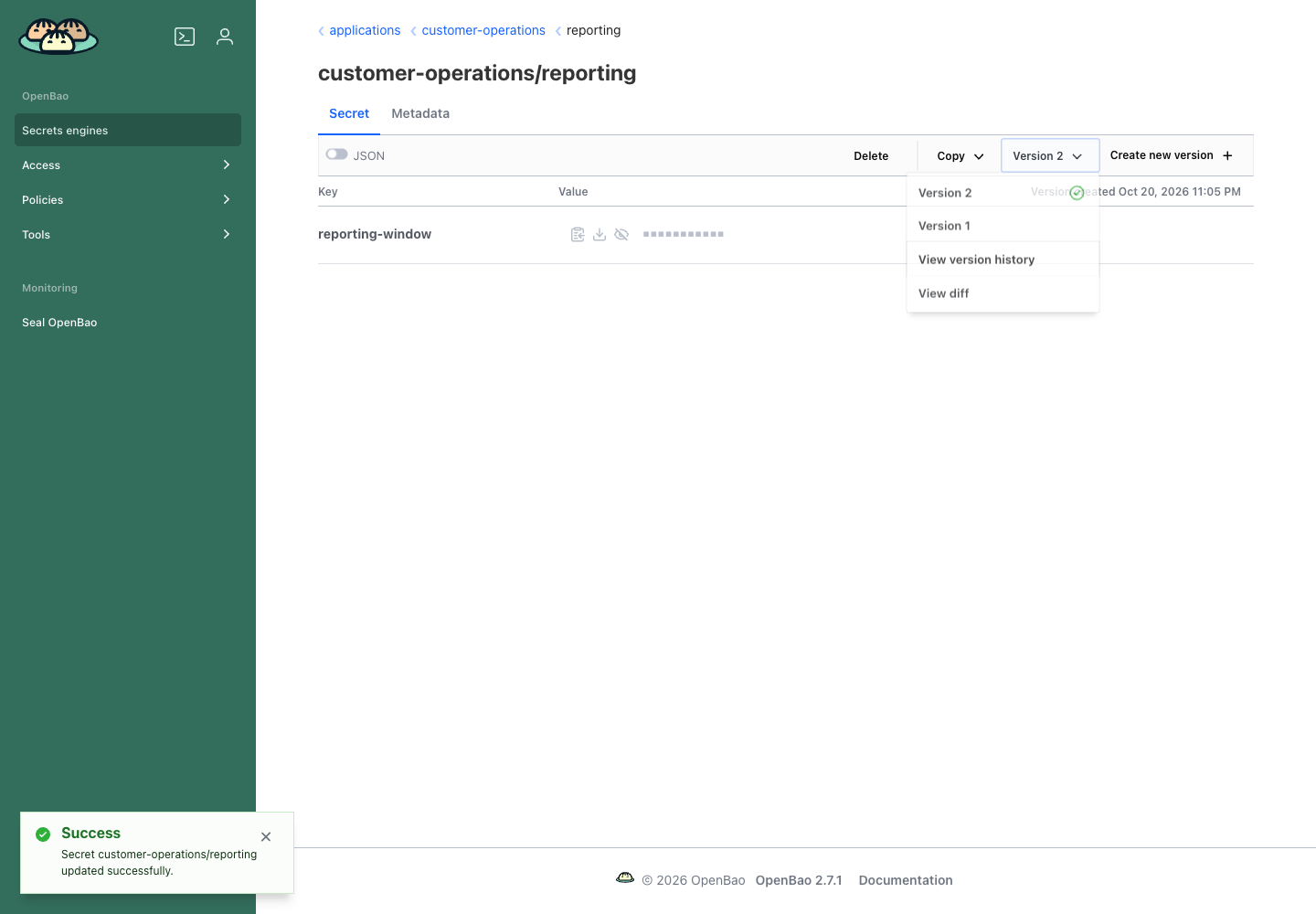
Use non-sensitive example values while learning. Hiding a field in the console does not limit access for a token whose policy permits reading it.
Grant an application only the access it needs
Create a separate policy for each application's purpose. For a read-only client of the example secret, the native policy can be limited to:
path "applications/data/customer-operations/reporting" {
  capabilities = ["read"]
}
KV version 2 uses data/ in API policies. Its metadata and version-management
operations have different paths and permissions. Do not solve an authorization
error by granting access to *.
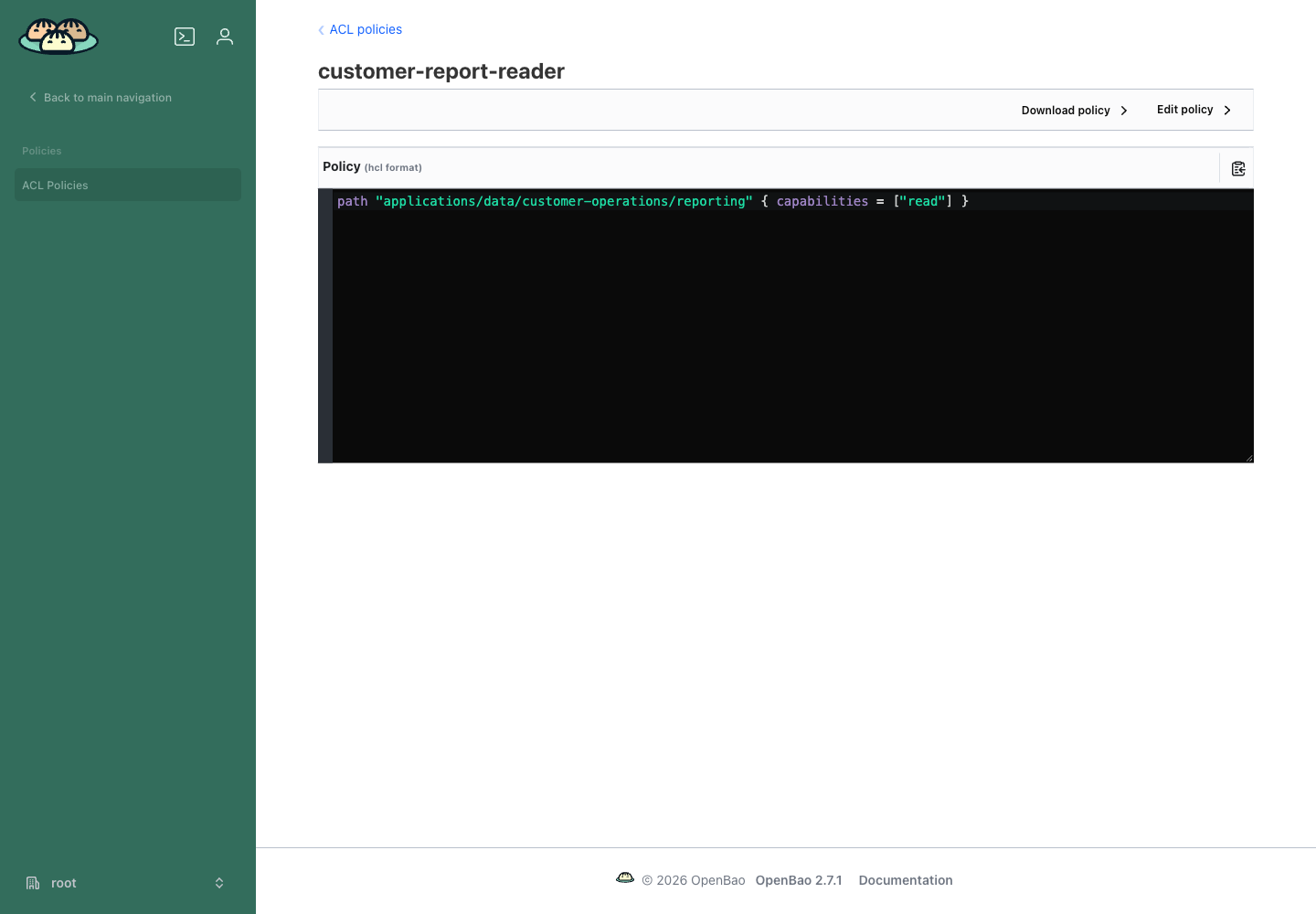
Give your application a short-lived credential with the intended policy, or configure a suitable machine authentication method. Keep that credential in protected application configuration, not a browser bundle or source repository. The application also needs a permitted network connection and the service URL.
For a native CLI client, set the service address and authenticate securely, then read the secret:
export BAO_ADDR="https://YOUR-SERVICE-HOST"
bao login
bao kv get -mount=applications customer-operations/reporting
Let the login command prompt for the token rather than placing it in shell history. Confirm that an allowed read succeeds, a write fails for the read-only policy, and an unrelated secret is denied. After revoking a test credential, check that it can no longer read the original secret.
Restart, storage and recovery
The database holds encrypted OpenBao state. Recovery needs that state and the matching recovery material; recreating an empty database cannot recover old secrets. Keep a tested backup-and-recovery process appropriate to your data.
After a service restart, the default manual seal requires unsealing again. Stopping and starting an existing service is not a fresh initialization. If the console shows a new setup screen unexpectedly, stop and investigate before initializing anything.
The service file folder can have little or no usage while its separate database has meaningful storage. Billing → Storage by workload shows measured usage for each resource. Memory capacity, stored data and encryption recovery are different concerns.
Auditing is a separate native configuration. Do not assume audit collection, log retention, high availability or auto-unseal is enabled by this recipe.
Delete intentionally
Use Delete Service in Moltern and review the managed dependency list. Delete stored data permanently removes the owned service data after cleanup completes. Keep workspace files preserves stored files and their ongoing storage usage; it is not a substitute for a tested recovery copy.
Deleting the database or losing the required key shares can make the secrets unrecoverable. A service disappearing from a list does not replace checking that the intended cleanup completed.
Troubleshooting
| Symptom | What to check |
|---|---|
| Browser requests a username and password before setup | Use setup and the protected Setup Password from Moltern, not your Moltern account password. |
| Running service, but secret operations are unavailable | Check native initialization and seal state. A healthy process can still be sealed. |
| Unseal progress does not increase | Submit distinct valid shares belonging to this installation. |
| Permission denied when reading a KV secret | Check the token, mount name and version 2 data/ policy path. |
| Restart asks for unseal shares again | This is expected for manual unsealing; it does not mean the stored data was reset. |
| Application can reach the URL but cannot read secrets | Network access and OpenBao authorization are separate. Configure a scoped native credential. |
| Initial root token or shares are missing | Settings cannot reveal them. Follow your organization's recovery procedure before changing or replacing data. |